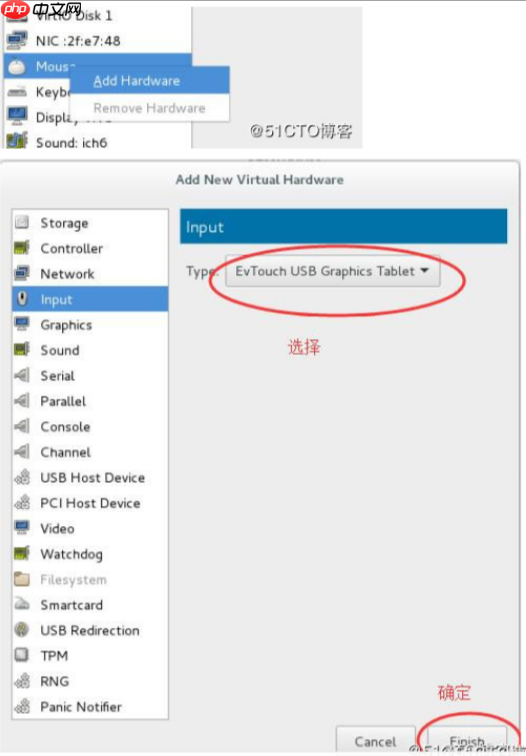
在使用virt-manager远程管理windows虚拟机时,鼠标漂移导致无法操作windows,很不方便。解决办法:在虚拟机配置文件中找到
代码语言:javascript代码运行次数:0运行复制<code class="javascript"><input type=‘mouse‘ bus=‘usb‘>把mouse改为tablet或者在 <devices> </devices>中添加<input type=‘tablet‘ bus=‘usb‘></code>
然后关机重新加载配置文件,问题解决。