



系统:windows 7语言版本:anaconda3-4.3.0.1-windows-x86_64编辑器:pycharm-community-2016.3.2bokeh:0.12.7
本系列介绍可视化库bokeh,目标是在网站上使用今天讲讲如何在Django中使用Part 1:使用场景介绍

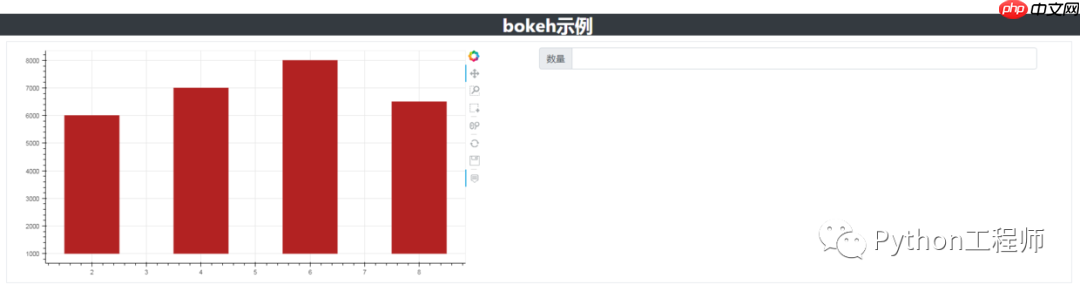
前端效果
Part 2:前端代码
<code class="javascript"><!DOCTYPE html>{% load staticfiles %}<html lang="en"><head> <meta charset="UTF-8"> <meta name="viewport" content="width=device-width,initial-scale=1,shrink-to-fit=no"> <title>Bokeh-测试2</title> <style> .table-center{ text-align: center; vertical-align: middle; white-space: wrap; } .table-center-hide{ text-align: center; white-space: nowrap; overflow: hidden; text-overflow: ellipsis; }</style> <!-- favicon.ico 请求 --> <link rel="shortcut icon" href="/static/pic/favicon.ico"> <!-- 引入font_awesome --> <link rel="stylesheet" type="text/css" href="{% static 'font_awesome/css/font-awesome.css' %}"> <!--引入jquery--> <script src="{% static 'js/jquery-3.3.1.min.js' %}" type="text/javascript"></script> <script type="text/javascript" src="/static/js/jquery.cookie.js"></script> <!--引入bootstrap--> <link rel="stylesheet" type="text/css" href="{% static 'bootstrap/css/bootstrap.css' %}"> <script src="{% static 'bootstrap/js/bootstrap.js'%}" type="text/javascript"></script> <script src="{% static 'bootstrap/js/bootstrap3-typeahead.js'%}" type="text/javascript"></script> <!--引入bokeh--> <script src="{% static 'bokeh/js/bokeh-1.3.4.min.js'%}" type="text/javascript"></script> <script src="{% static 'bokeh/js/bokeh-widgets-1.3.4.min.js'%}" type="text/javascript"></script> <script src="{% static 'bokeh/js/bokeh-tables-1.3.4.min.js'%}" type="text/javascript"></script> <link rel="stylesheet" type="text/css" href="{% static 'bokeh/css/bokeh-1.2.0.min.css' %}"> {{ script |safe }}</head><body><div class="container-fluid rounded bg-dark" style="margin-top: 30px"> <h2 class="font-weight-bold text-center text-white">bokeh示例</h2></div><div class="container-fluid"> <div class="col-md-12"> <div class="row container-fluid border" style="margin-top: 10px;margin-bottom: 10px"> <div class="row container-fluid" style="margin-top: 10px;margin-bottom: 10px"> <div class="col-md-6"> <!-- safe:关闭变量的自动转义 --> {{ graph |safe }} </div> <div class="col-md-6"> <div class="input-group"> <div class="input-group-prepend"> <span class="input-group-text">数量</span> </div> <input type="text" oninput="value=value.replace(/[^\d]/g,'')" class="form-control" id="latest-m"> </div> </div> </div> </div> </div></div><div style="height: 150px;"></div><div style="height: 150px;"></div><footer class="fixed-bottom"> <div class="container-fluid bg-light border border-top border-secondary" style="height: 35px"> <div style="height: 10px;"></div> <h6 class="text-center">底部位置 <a href="https://www.php.cn/link/f228bda69952fa13fe74d09b34e4983b" target="_blank">去百度</a></h6> </div></footer><!-- 引入自定义js --><script src="{% static 'js/self_bokeh_2.js' %}" type="text/javascript"></script></body></html></code>代码结构
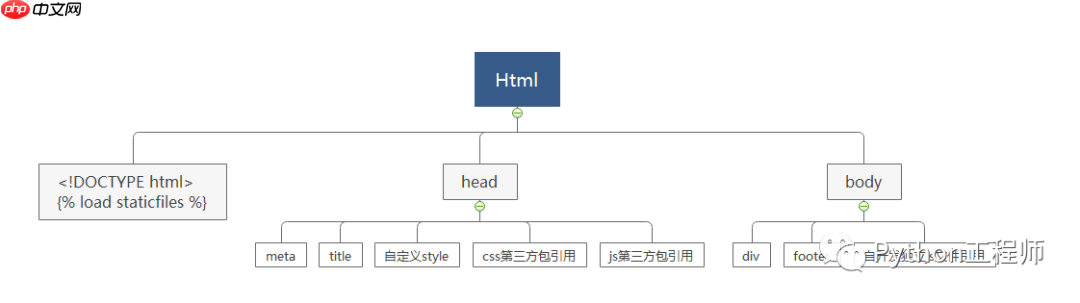
代码截图
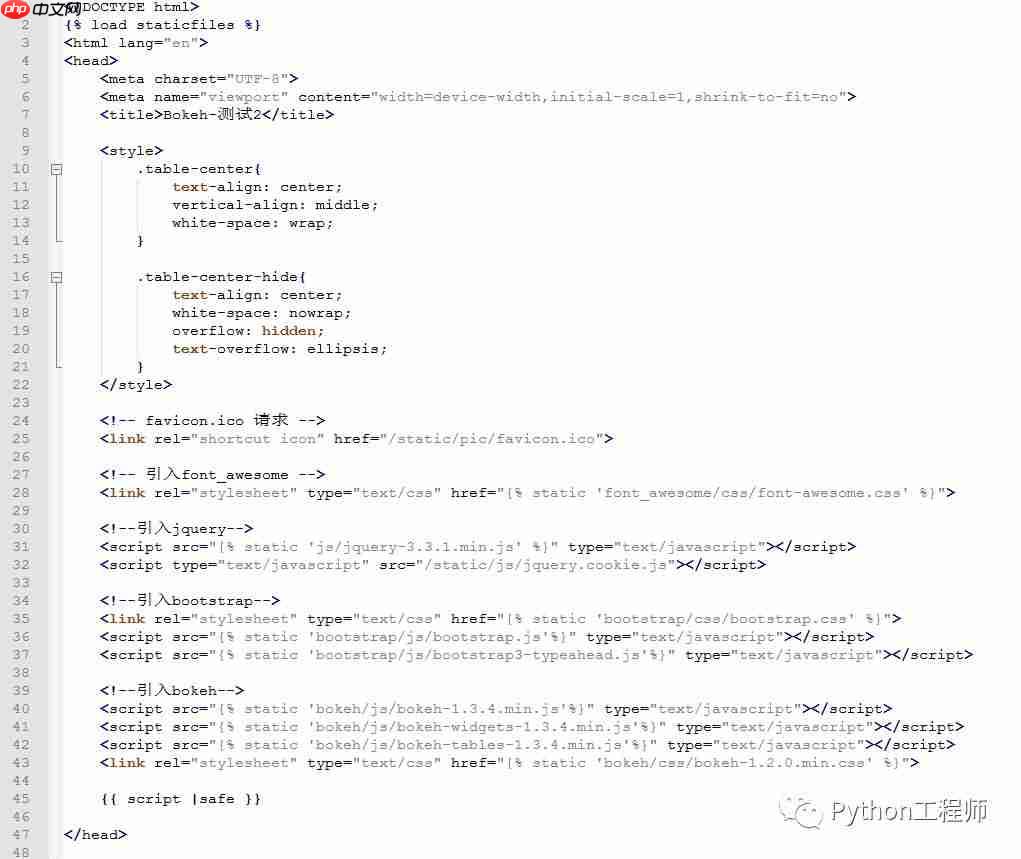
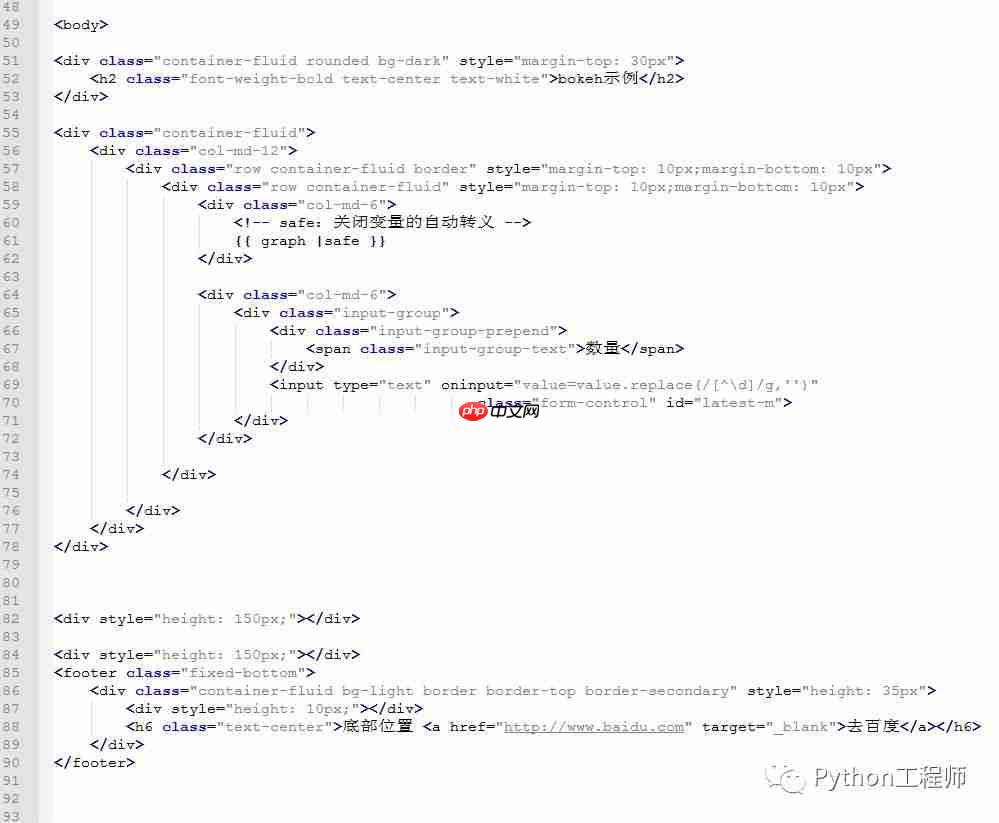

Part 3:前端代码解读

{{ script |safe }}在body内新增一段代码{{ graph |safe }},注意放置的位置Part 4:后端代码
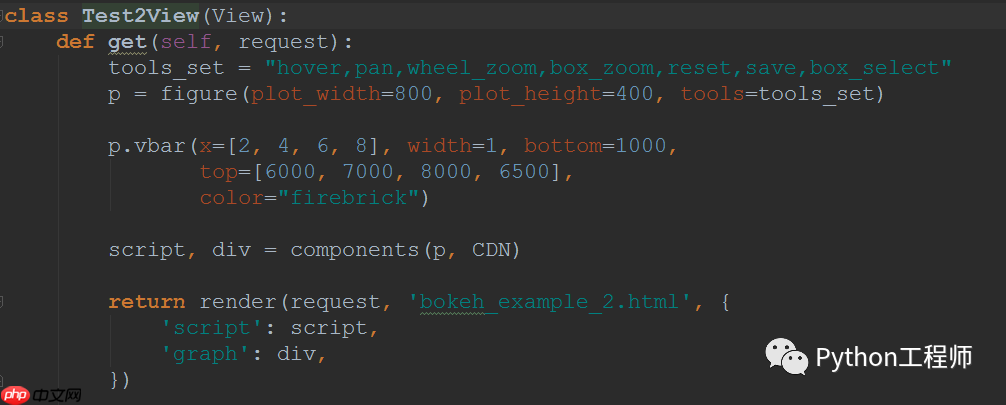
View类
代码语言:javascript代码运行次数:0运行复制<code class="javascript">from django.shortcuts import renderfrom django.views.generic.base import Viewfrom bokeh.plotting import figure, output_file, showfrom bokeh.resources import CDNfrom bokeh.embed import componentsclass Test2View(View): def get(self, request): tools_set = "hover,pan,wheel_zoom,box_zoom,reset,save,box_select" p = figure(plot_width=800, plot_height=400, tools=tools_set) p.vbar(x=[2, 4, 6, 8], width=1, bottom=1000, top=[6000, 7000, 8000, 6500], color="firebrick") script, div = components(p, CDN) return render(request, 'bokeh_example_2.html', { 'script': script, 'graph': div, })</code>代码语言:javascript代码运行次数:0运行复制<code class="javascript"></code>
url地址
代码语言:javascript代码运行次数:0运行复制<code class="javascript">from django.urls import re_path, pathfrom .views import Test1View, Test2Viewapp_name = "bokeh_examples"urlpatterns = [ re_path('^test1/$', Test1View.as_view(), name='test1'), re_path('^test2/$', Test2View.as_view(), name='test2'),]</code>代码语言:javascript代码运行次数:0运行复制<code class="javascript"></code>
代码截图
Part 5:部分代码解读
figure,CDN,componentsDjango从后端传给前端两个参数script,graph其中script对应一段js代码,graph对应一段html代码关于如何控制图片在前端显示的位置大小,目前还有点问题,后续再剖析




