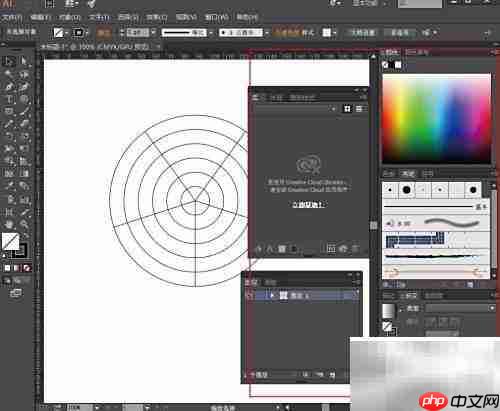
the english translation of "插画师" is illustrator.
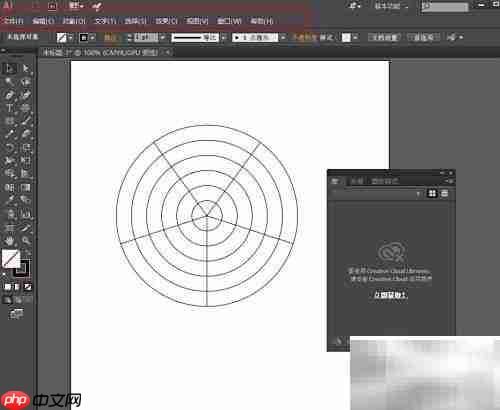
- The menu includes the following functional options: File, Edit, Object, Type, Select, View, Effect, Window, and Help.
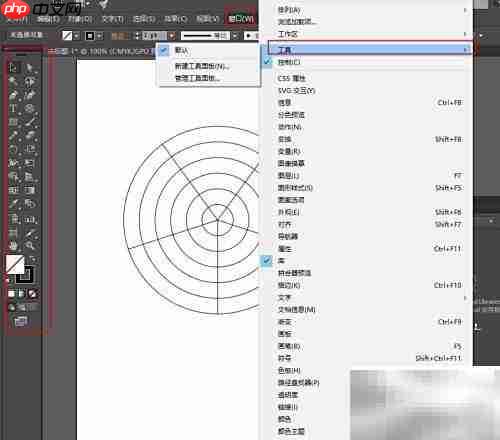
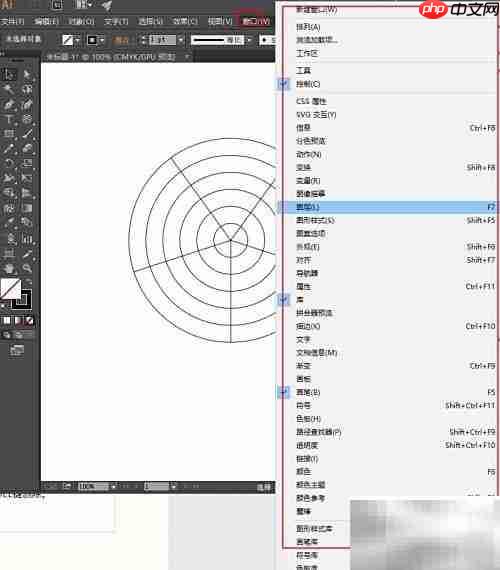
- Toolbox: Window → Tools
Drawing interface
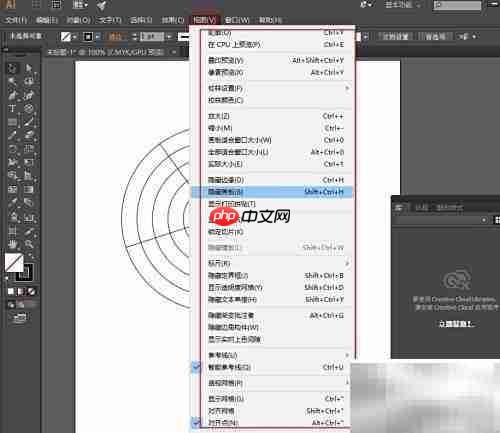
The display state of the artboard can be switched in the View menu, with the shortcut key Ctrl+Shift+H.
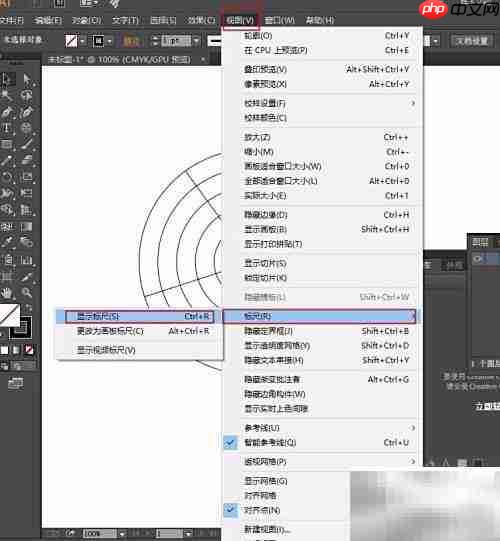
Pressing Ctrl+Alt+R toggles the visibility of the artboard rulers.
To toggle the visibility of the transparency grid, use the shortcut key Ctrl+Shift+D.
The Control panel allows management of the visibility of various panels within the workspace.
Pressing the Tab key toggles the visibility of the toolbox, control bar, and control panels.
Pressing Shift+Tab toggles the visibility of the toolbox only.
Pressing the F key cycles through screen modes: Standard Screen Mode, Full Screen with Menu Bar, and Full Screen in Window.

Rulers can be shown or hidden via the View menu or by using the Ctrl+R shortcut.
Right-clicking on the ruler allows unit selection; the origin point is located at the center of the coordinate system.
Holding down the Shift key aligns guides precisely with ruler increments.
Holding down the Alt key switches between horizontal and vertical guide creation.
To delete a guide, first unlock it, then select it with the Selection tool and press the Delete key.
- The status bar displays zoom level, status information, and scroll view hints.