



最近正在弄着缩略图玩意,和大家分享两个方法
$source_path:原图的路径
$NewImagePath:生成缩略图路径
$target_width:缩略图宽度
$target_height:缩略图高度
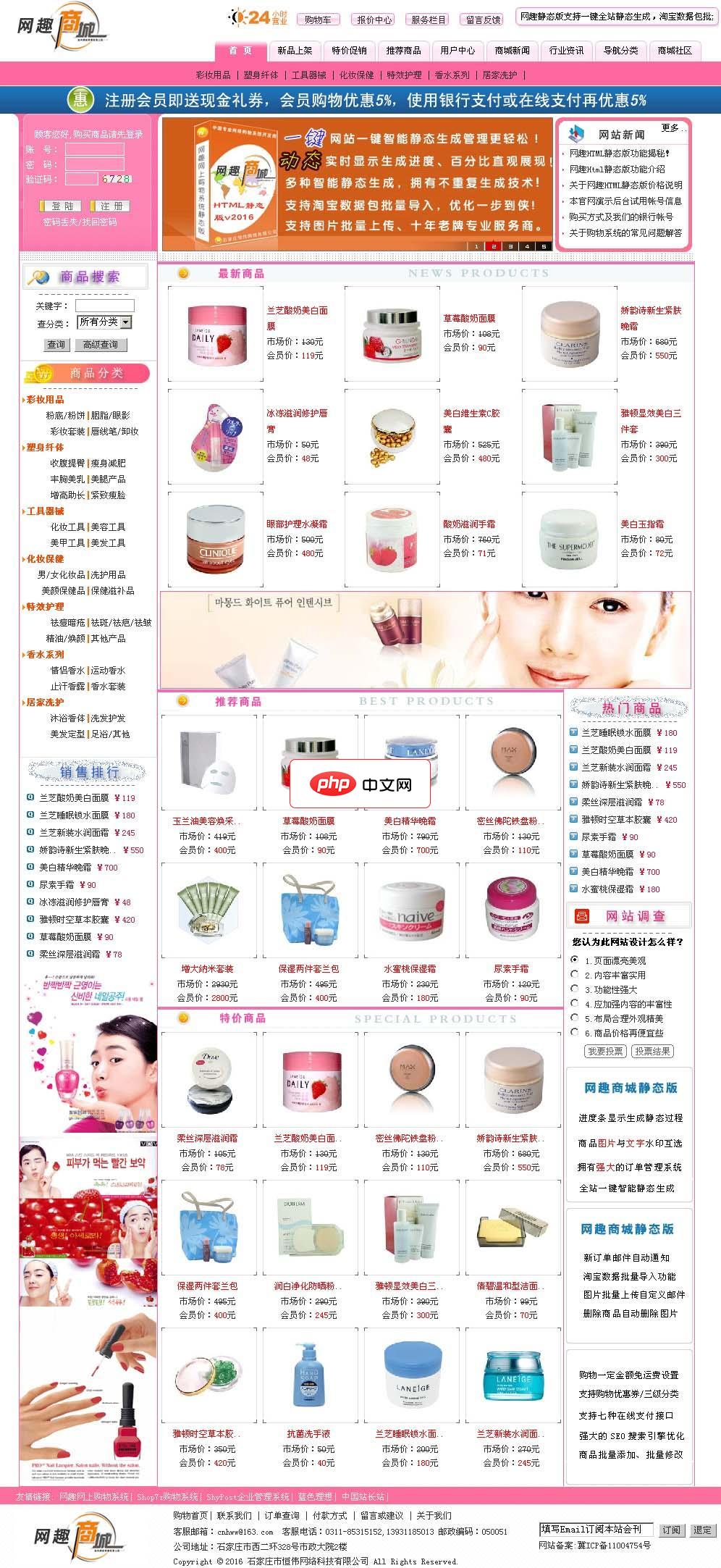
网趣网上购物系统HTML静态版
下载
网趣购物系统静态版支持网站一键静态生成,采用动态进度条模式生成静态,生成过程更加清晰明确,商品管理上增加淘宝数据包导入功能,与淘宝数据同步更新!采用领先的AJAX+XML相融技术,速度更快更高效!系统进行了大量的实用性更新,如优化核心算法、增加商品图片批量上传、谷歌地图浏览插入等,静态版独特的生成算法技术使静态生成过程可随意掌控,从而可以大大减轻服务器的负担,结合多种强大的SEO优化方式于一体,使
立即学习“PHP免费学习笔记(深入)”;
 $target_ratio)
        {
            $cropped_width  = $source_width;
            $cropped_height = $source_width * $target_ratio;
            $source_x = 0;
            $source_y = ($source_height - $cropped_height) / 2;
        }
        // 源图过宽
        elseif ($source_ratio < $target_ratio)
        {
            $cropped_width  = $source_height / $target_ratio;
            $cropped_height = $source_height;
            $source_x = ($source_width - $cropped_width) / 2;
            $source_y = 0;
        }
        // 源图适中
        else
        {
            $cropped_width  = $source_width;
            $cropped_height = $source_height;
            $source_x = 0;
            $source_y = 0;
        }

        switch ($source_mime)
        {
            case 'image/gif':
                $source_image = imagecreatefromgif($source_path);
                break;

            case 'image/jpeg':
                $source_image = imagecreatefromjpeg($source_path);
                break;

            case 'image/png':
                $source_image = imagecreatefrompng($source_path);
                break;

            default:
                return false;
                break;
        }

        $target_image  = imagecreatetruecolor($target_width, $target_height);
        $cropped_image = imagecreatetruecolor($cropped_width, $cropped_height);

        // 图片裁剪
        imagecopy($cropped_image, $source_image, 0, 0, $source_x, $source_y, $cropped_width, $cropped_height);
        // 图片缩放
        imagecopyresampled($target_image, $cropped_image, 0, 0, 0, 0, $target_width, $target_height, $cropped_width, $cropped_height);


        header('Content-Type: image/jpeg');
        imagejpeg($target_image,$NewImagePath,100);
        imagedestroy($source_image);
        imagedestroy($target_image);
        imagedestroy($cropped_image);

    }
以下方法是生成缩略图,填充白边的方法
= $width / $height) {

            $tmp_image_width = $width;
            $tmp_image_height = round($tmp_image_width * $src_height / $src_width);

        } else {

            $tmp_image_height = $height;
            $tmp_image_width = round($tmp_image_height * $src_width / $src_height);
        }

        $tmpImage = imagecreatetruecolor($tmp_image_width, $tmp_image_height);
        imagecopyresampled($tmpImage, $src_image, 0, 0, 0, 0, $tmp_image_width, $tmp_image_height, $src_width, $src_height);

        //添加白边
        $final_image = imagecreatetruecolor($width, $height);
        $color = imagecolorallocate($final_image, 255, 255, 255);
        imagefill($final_image, 0, 0, $color);
        $x = round(($width - $tmp_image_width) / 2);
        $y = round(($height - $tmp_image_height) / 2);
        imagecopy($final_image, $tmpImage, $x, $y, 0, 0, $tmp_image_width, $tmp_image_height);

        //输出图片
        header('Content-Type: image/jpeg');
        imagejpeg($final_image,$NewImagePath,100);
        imagedestroy($src_image);
        imagedestroy($final_image);


}以上就是(实用篇)PHP生成缩略图的方法实例的内容,更多相关内容请关注PHP中文网(www.php.cn)!




