



使用c# + xamarin开发android应用-- 动态添加控件
public class MyOrders : Activity
    {

        private DynamicControl _dynaControl;

        public MyOrders()
        {
            _dynaControl = new DynamicControl();
        }
        protected override void OnCreate(Bundle bundle)
        {
            base.OnCreate(bundle);

            try
            {
                SetContentView(Resource.Layout.MyOrders);

                var layout = (TableLayout)FindViewById(Resource.Id.myorders_layout);
                var header = AddHeader();
                layout.AddView(header);

                layout.AddView(AddPendingServiceItem("Service 1"));
                layout.AddView(AddPendingServiceItem("Service 2"));
                layout.AddView(AddPendingServiceItem("Service 3"));

                layout.AddView(AddConfirmedServiceItem("Service 4"));
                layout.AddView(AddConfirmedServiceItem("Service 5"));
                layout.AddView(AddConfirmedServiceItem("Service 6"));
                layout.AddView(AddConfirmedServiceItem("Service 7"));
            }
            catch (Exception ex)
            {
                this.ShowAlert(ex.Message);
            }
        }

        public View AddHeader()
        {
            var header = new TableRow(this);
            header.LayoutParameters = new TableLayout.LayoutParams(TableLayout.LayoutParams.FillParent,
            TableLayout.LayoutParams.WrapContent);
            header.AddView(_dynaControl.NewText(this, "Service"));
            header.AddView(_dynaControl.NewText(this, "Status"));
            header.AddView(_dynaControl.NewText(this, "Created At"));
            header.AddView(_dynaControl.NewText(this, "Action"));
            return header;
        }

        public View AddPendingServiceItem(string serviceName)
        {
            var tableRow = new TableRow(this);
            tableRow.LayoutParameters = new TableLayout.LayoutParams(TableLayout.LayoutParams.FillParent,
                TableLayout.LayoutParams.WrapContent);

            tableRow.AddView(_dynaControl.NewText(this, string.Format("{0}  ", serviceName)));
            tableRow.AddView(_dynaControl.NewText(this, string.Format("{0}  ", "Pending"), Color.OrangeRed));
            tableRow.AddView(_dynaControl.NewText(this, string.Format("{0}  ", "2015-5-19 \r\n14:20:33")));
            tableRow.AddView(_dynaControl.AddButton(this, "Details"));
            return tableRow;
        }

        public View AddConfirmedServiceItem(string serviceName)
        {
            var tableRow = new TableRow(this);
            tableRow.AddView(_dynaControl.NewText(this, string.Format("{0}  ", serviceName)));
            tableRow.AddView(_dynaControl.NewText(this, string.Format("{0}  ", "Confirmed"), Color.DarkGreen));
            tableRow.AddView(_dynaControl.NewText(this, string.Format("{0}", "2015-5-19 \r\n 14:30:43")));
            tableRow.AddView(_dynaControl.AddButton(this, "Rebook"));

            tableRow.LayoutParameters = new TableLayout.LayoutParams(TableLayout.LayoutParams.FillParent,
                TableLayout.LayoutParams.WrapContent);

            return tableRow;
        }
    }
杈呭姪绫伙細
public class DynamicControl
    {
        public Button AddButton(Context context, string text, EventHandler clickAction = null)
        {
            var btn = new Button(context);
            btn.SetText(text, TextView.BufferType.Normal);
            if (clickAction != null)
            {
                btn.Click += clickAction;
            }

            return btn;
        }

        public TextView NewText(Context context, string str, Color? color = null)
        {
            var text = new TextView(context);
            if (color.HasValue)
            {
                text.SetTextColor(color.Value);
            }

            text.SetText(str, TextView.BufferType.Normal);

            return text;
        }
    }
以上就是使用c# + xamarin开发android应用-- 动态添加控件的内容,更多相关内容请关注PHP中文网(www.php.cn)!
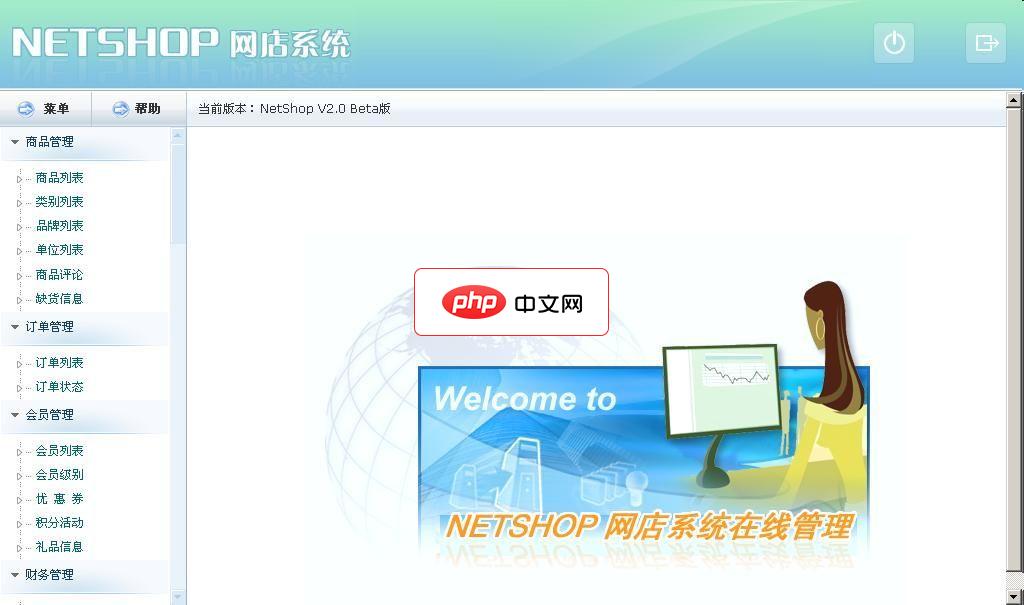
NetShop网店系统
下载
NetShop软件特点介绍: 1、使用ASP.Net(c#)2.0、多层结构开发 2、前台设计不采用任何.NET内置控件读取数据,完全标签化模板处理,加快读取速度3、安全的数据添加删除读取操作,利用存储过程模式彻底防制SQL注入式攻击4、前台架构DIV+CSS兼容IE6,IE7,FF等,有利于搜索引挚收录5、后台内置强大的功能,整合多家网店系统的功能,加以优化。6、支持三种类型的数据库:Acces




