前段时间一直忙于期末考试和找实习,好久没写博客了。
这段时间做了个小项目,包含了翻页和富文本编辑器Ueditor的两个知识点,Ueditor玩的还不是很深,打算玩深后再写篇博客。
要实现翻页功能,只需要设置一个pageIndex即可,然后每次加载页面时通过pageIndex去加载数据就行。
那么我们可以设置一个隐藏的input框,用于传递pageIndex给下个页面。
当我们点击上一页的时候,通过js方法改变pageIndex的值,再提交表单即可
二话不多说,看代码,代码里面写的还算比较清楚。
这个是index.jsp的代码。

index.jsp
<%@page import="Bean.DBBean"%><%@page import="Entity.Record"%><%@page import="java.util.List"%><%@ page language="java" contentType="text/html; charset=UTF-8"pageEncoding="UTF-8"%>NoteBook of Eric Wu <%int allRecord=0;//总的记录条数,不包含查询后的int totalRecord=0;//总的记录条数,包含查询后的int totalPage=1;//总的页面数,包含查询后的int pageIndex=1;//当前页面号,用于控制页面翻转,默认为1 Listrecords=null; DBBean db=new DBBean(); allRecord=db.getRecordCount(); totalRecord=db.getRecordCount(); totalPage=(totalRecord-1)/10+1;if(request.getParameter("pageIndex")!=null){//不是第一次加载//要做下数据类型转换 pageIndex=Integer.valueOf(request.getParameter("pageIndex"));if(request.getParameter("keyword")!=null){String keyword=request.getParameter("keyword"); records=db.getRecords(pageIndex,keyword);//获取查询内容一页的事件记录集,共10条 totalRecord=db.getRecordCount(keyword); totalPage=(totalRecord-1)/10+1; }else{ records=db.getRecords(pageIndex);//获取一页的事件记录集,共10条 } }else{//第一次加载 records=db.getRecords(pageIndex);//获取一页的事件记录集,共10条 } session.setAttribute("records", records);//便于后面使用%> The palest ink is better than the best memory !
<%int count=0;if(records!=null){for(Record r: records){ count++;%> 序号 标题 时间 <% } }%> <%= count %> <%= r.getTitle() %> <%= r.getTime() %> 共<%= totalRecord %>条记录 共<%= totalPage %>页 每页10条 当前第<%= pageIndex %>页 上一页 下一页
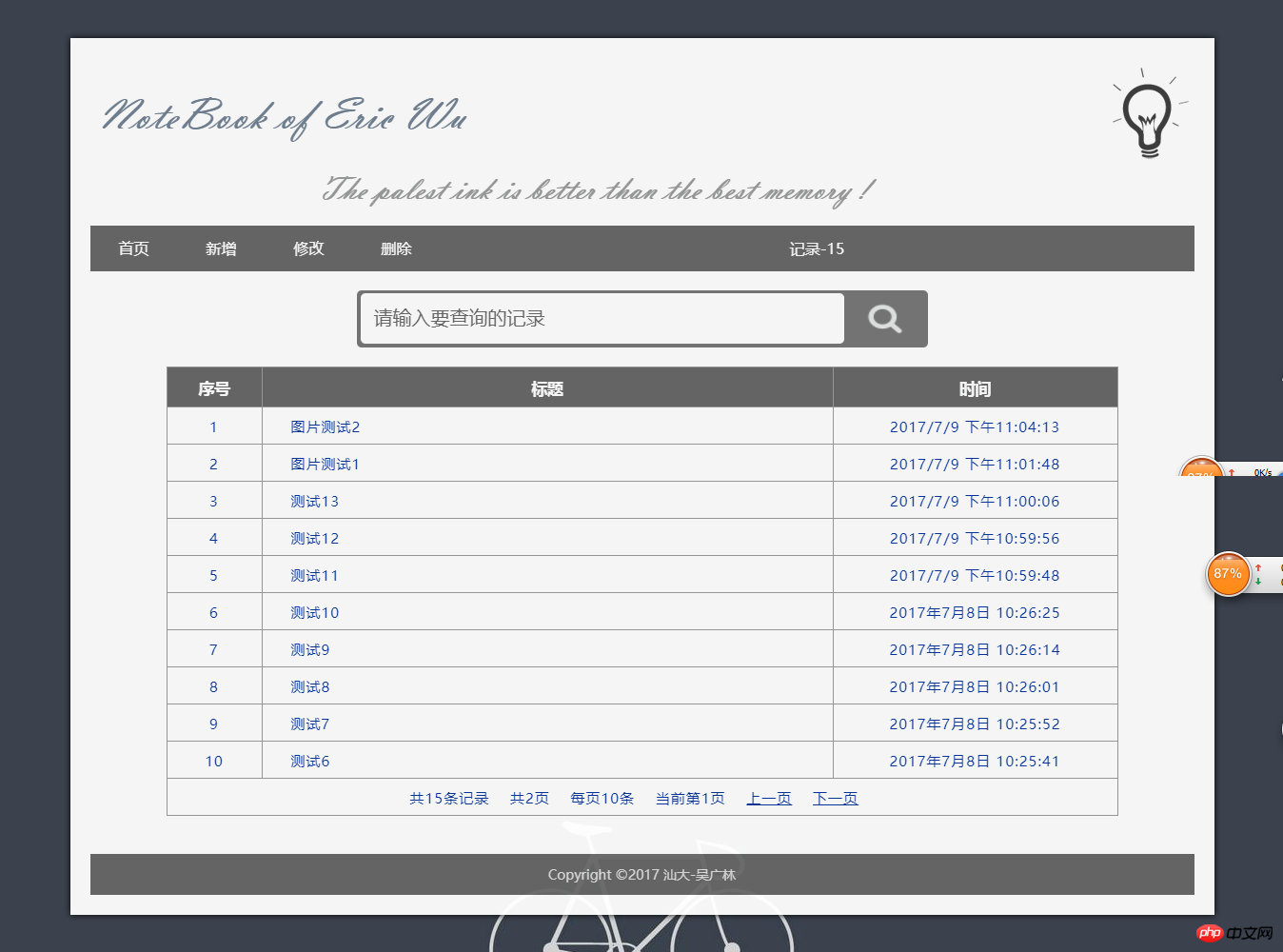
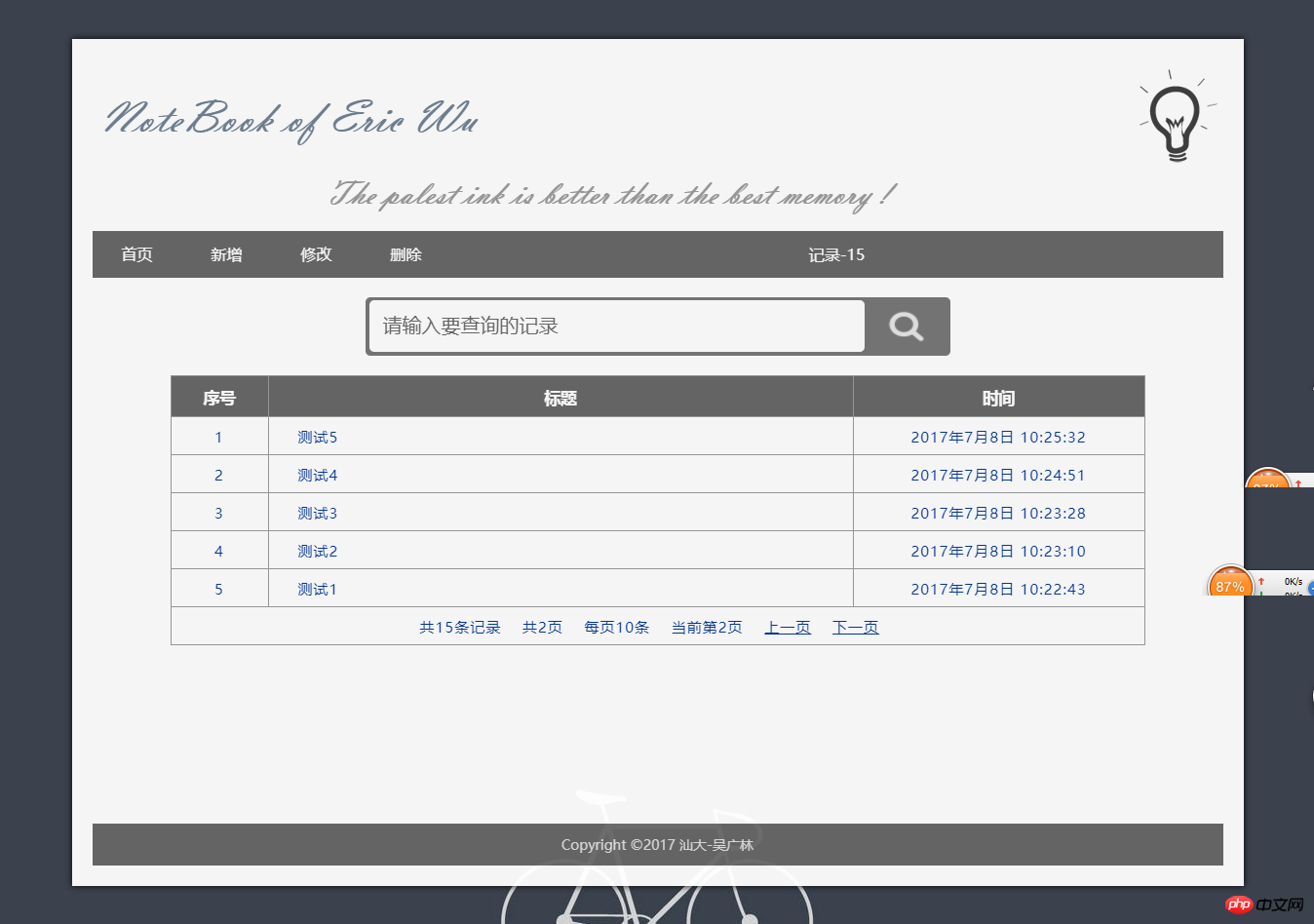
效果图
翻页后:pageIndex=1
翻页后:pageIndex=2