



这篇文章主要介绍了关于jquery/vue的鼠标移入移出效果 ,有着一定的参考价值,现在分享给大家,有需要的朋友可以参考一下
实现思路
1、根据鼠标的位置定位在元素内出现的方向
2、根据方向动态设置遮罩层样式
3、设置动画移动遮罩层
jQuery版
jQuery插件可以通过$.fn.extend方法进行拓展。
html
mouse hover
立即学习“前端免费学习笔记(深入)”;
mouse hover
立即学习“前端免费学习笔记(深入)”;
mouse hover
立即学习“前端免费学习笔记(深入)”;
mouse hover
立即学习“前端免费学习笔记(深入)”;
mouse hover
立即学习“前端免费学习笔记(深入)”;
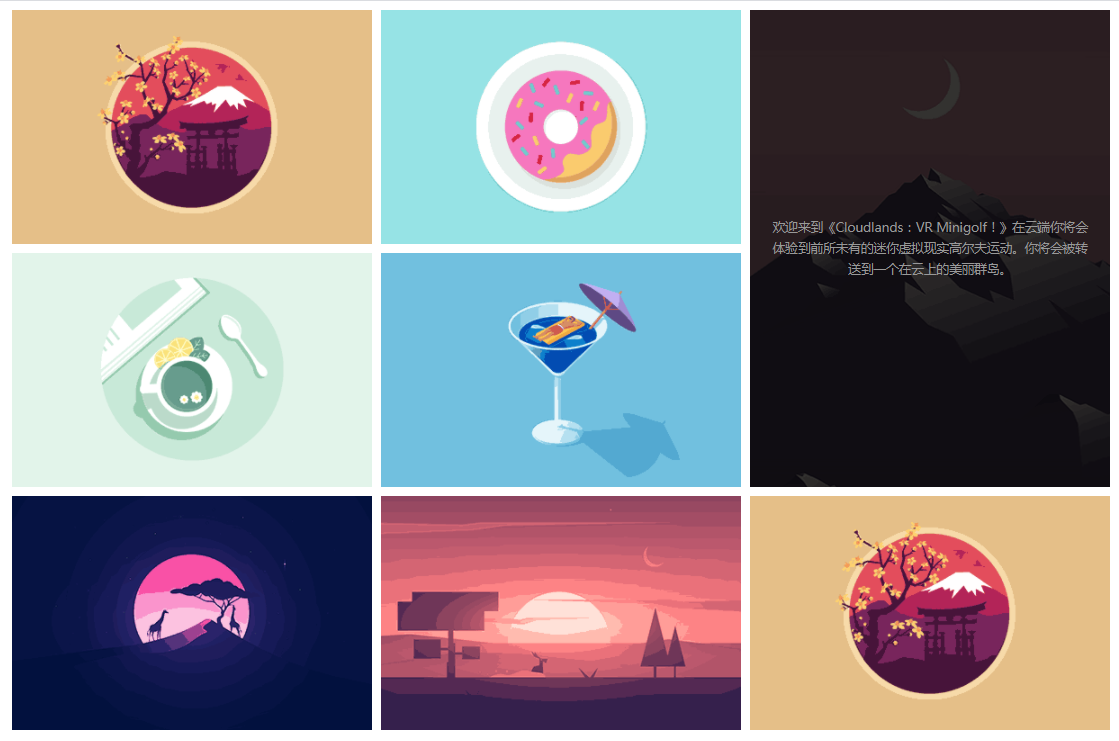
css
.container {
    width: 600px;
    margin: auto;
    margin-top: 100px;
}

.content {
    float: left;
    position: relative;
    height: 150px;
    width: 150px;
    margin: 20px;
    overflow: hidden;
    background: #ccc;
}

.content .shade {
    position: absolute;
    top: 0;
    display: none;
    width: 100%;
    height: 100%;
    line-height: 100px;
    color: #fff;
    background: rgba(0, 0, 0, 0.7);
}
js
Vue版
通用Vue的组件实现判断元素内鼠标的位置,利用插槽的方式显示遮罩层内容。
html
css
js
以上就是本文的全部内容,希望对大家的学习有所帮助,更多相关内容请关注PHP中文网!
相关推荐:




