



推荐:《vscode基础教程》
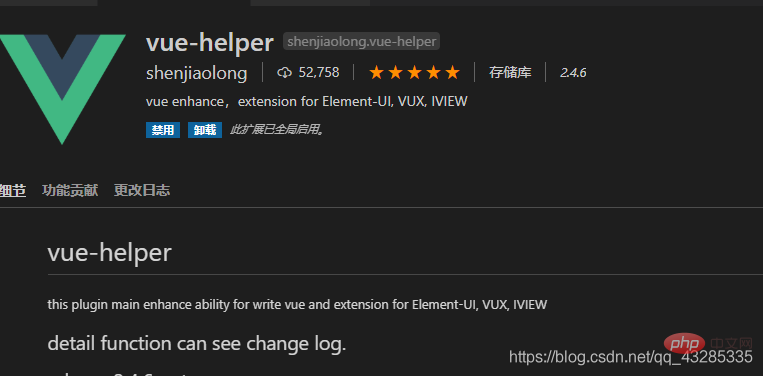
先下载vue插件—— vue-helper
文件/首选项/用户片段
立即学习“前端免费学习笔记(深入)”;

搜索vue

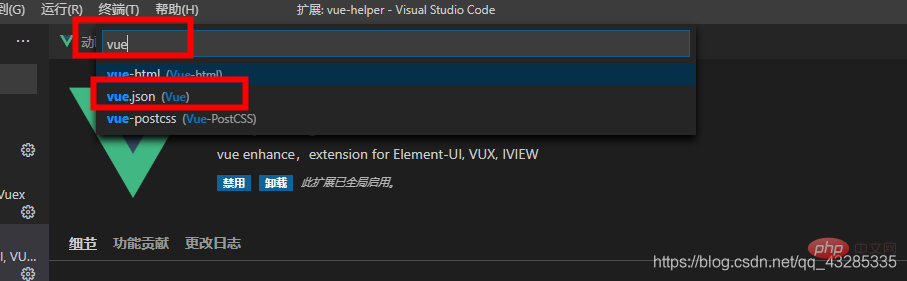
在vue.json中粘贴以下代码
{
	"Print to console": {
        "prefix": "vue",
        "body": [
            "<template>",
            " <div>\n",
            " </div>",
            "</template>\n",
            "<script>",
            " export default {",
            "   data () {",
            "     return {\n",
            "     }",
            "   },",
            "   components: {\n",
            "   }",
            " }",
            "</script>\n",
            "<style>\n",
            " ",
            "</style>",
            "$2"
        ],
        "description": "Log output to console"
    }
}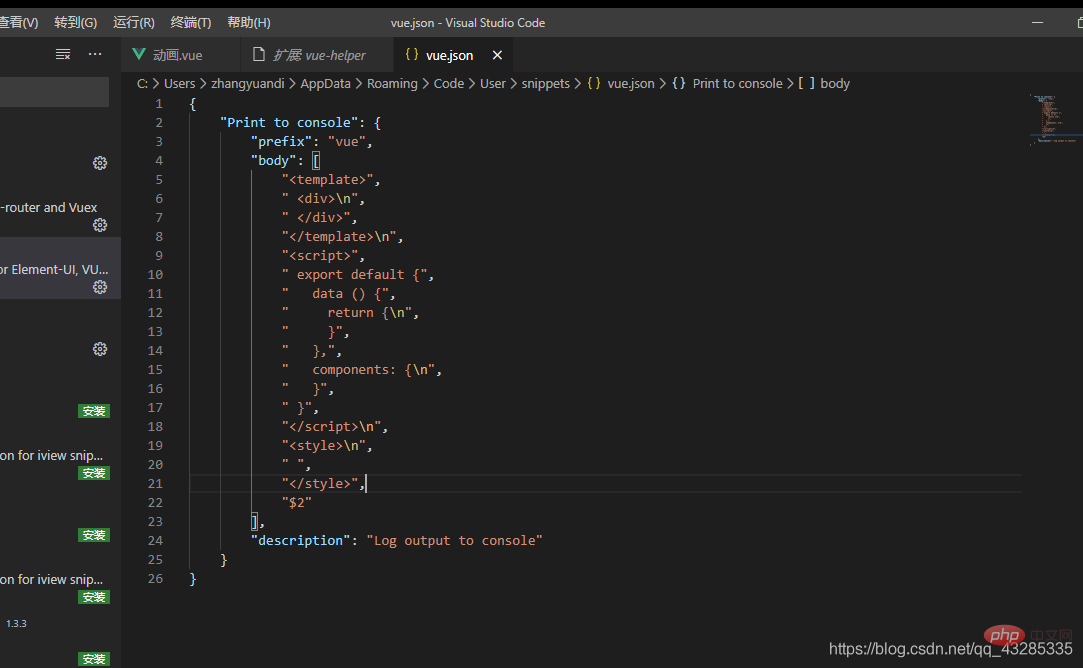
保存,然后再使用模板的页面输入vue按tab健就好了
更多编程相关知识,可访问:编程入门!!




