



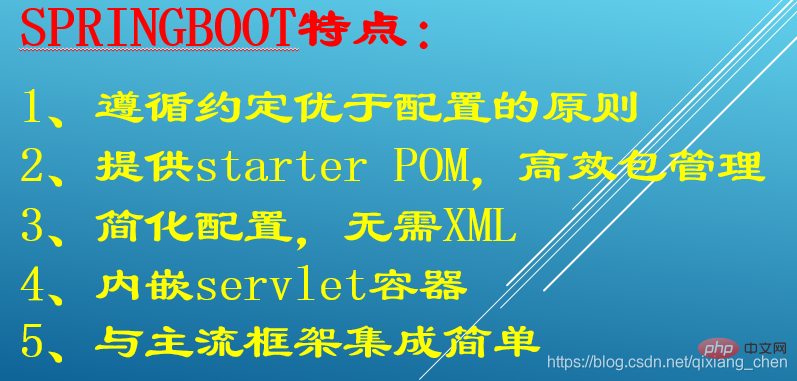
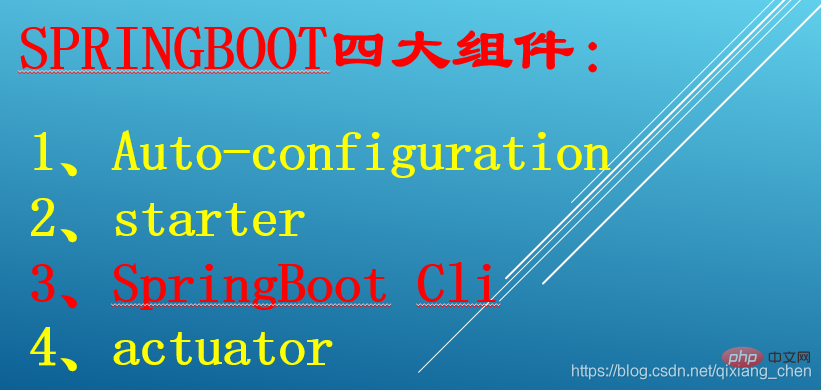
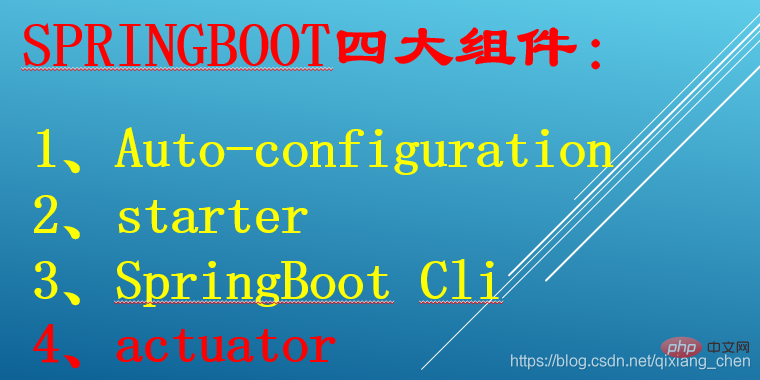
springboot的四大组件为:1、auto-configuration组件;2、starter组件;3、springboot cli组件;4、actuator组件。
Spring Boot是由Pivotal团队提供的全新框架,其设计目的是用来简化新Spring应用的初始搭建以及开发过程。该框架使用了特定的方式来进行配置,从而使开发人员不再需要定义样板化的配置。通过这种方式,Spring Boot致力于在蓬勃发展的快速应用开发领域(rapid application development)成为领导者。
springboot的四大组件
-
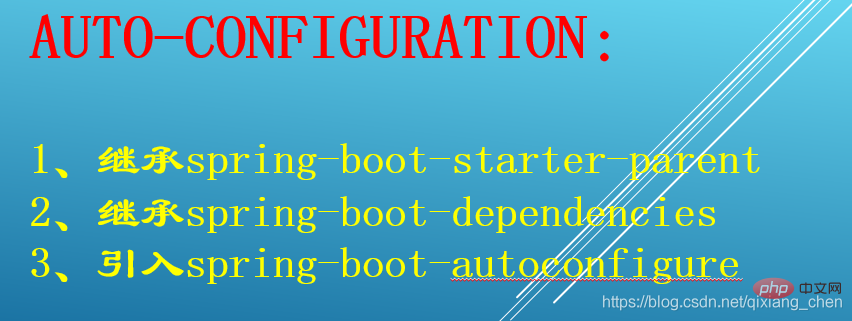
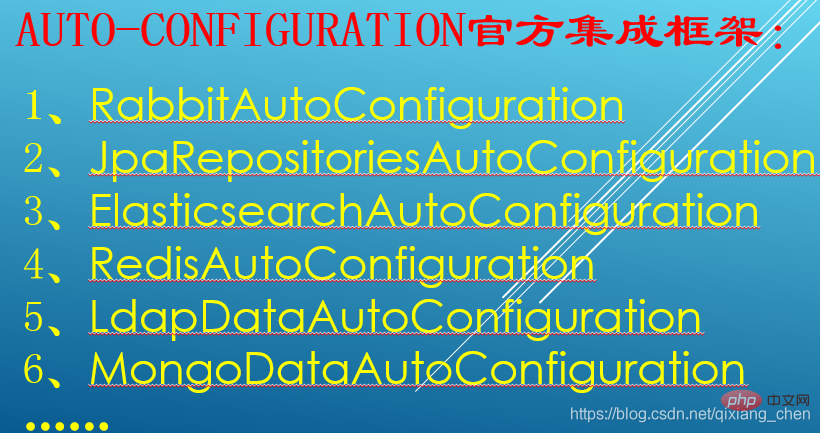
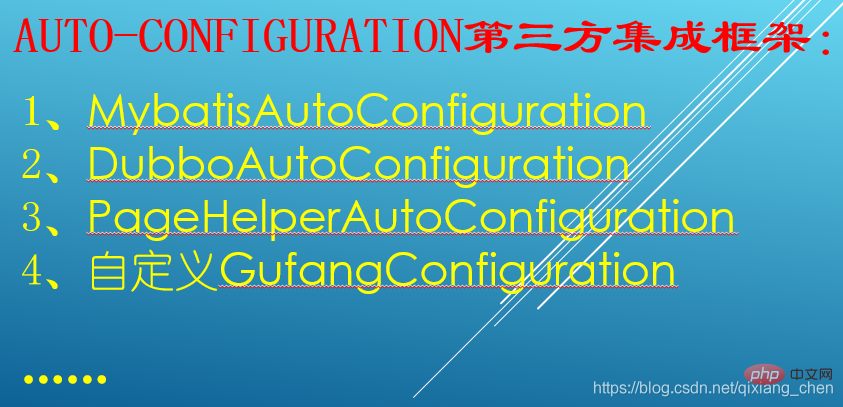
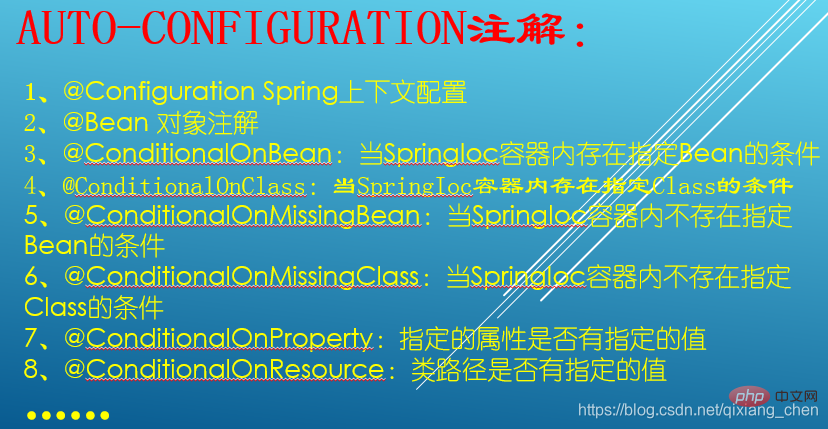
auto-configuration:
Auto-configuration是Spring Boot的核心特性,其约定大于配置的思想,赋予了Spring Boot开箱即用的强大能力。
-
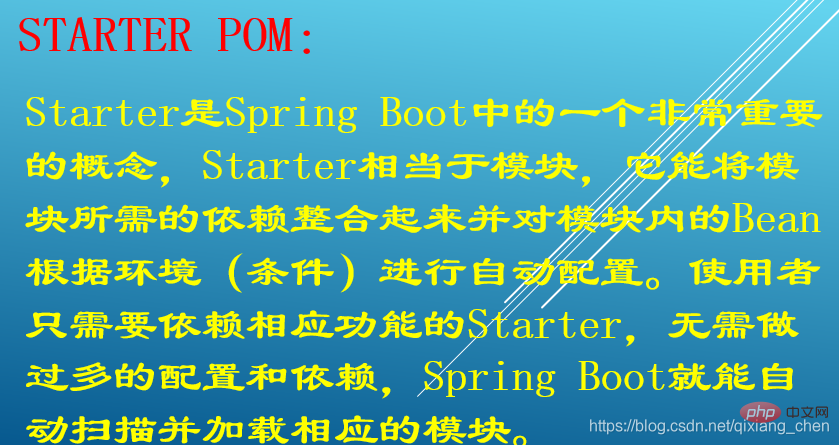
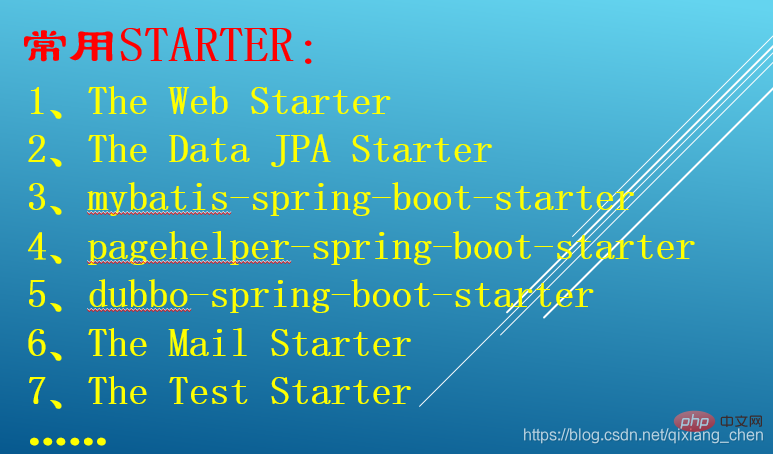
starter:
starter是一种非常重要的机制,能够抛弃以前繁杂的配置,将其统一集成进starter,应用者只需要在maven中引入starter依赖,SpringBoot就能自动扫描到要加载的信息并启动相应的默认配置。starter让我们摆脱了各种依赖库的处理,需要配置各种信息的困扰。SpringBoot会自动通过classpath路径下的类发现需要的Bean,并注册进IOC容器。SpringBoot提供了针对日常企业应用研发各种场景的spring-boot-starter依赖模块。所有这些依赖模块都遵循着约定成俗的默认配置,并允许我们调整这些配置,即遵循“约定大于配置”的理念。
-
springboot cli
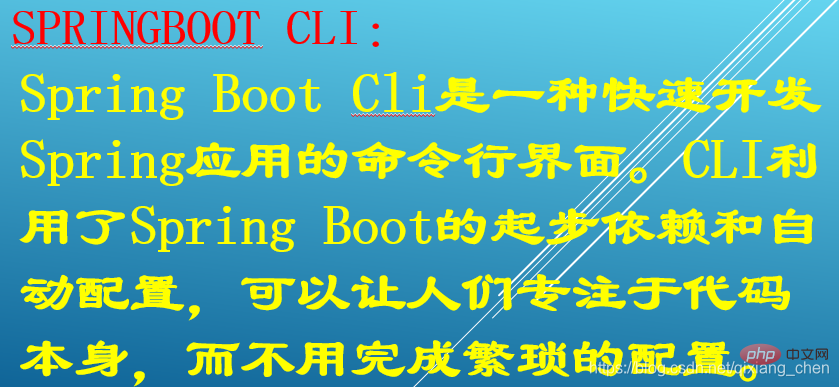
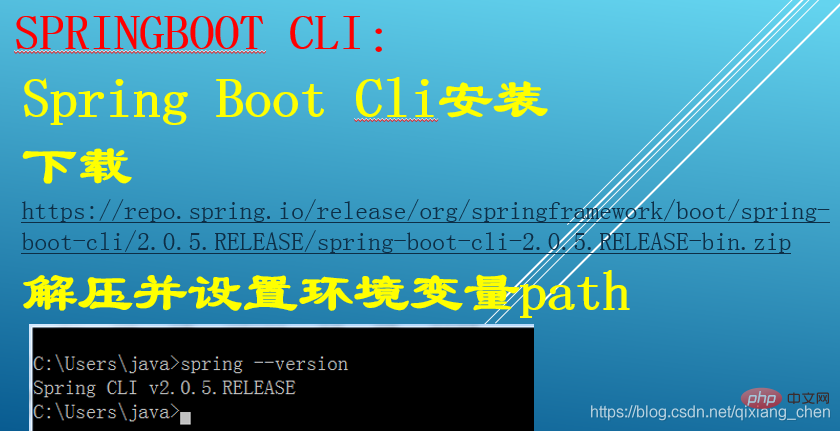
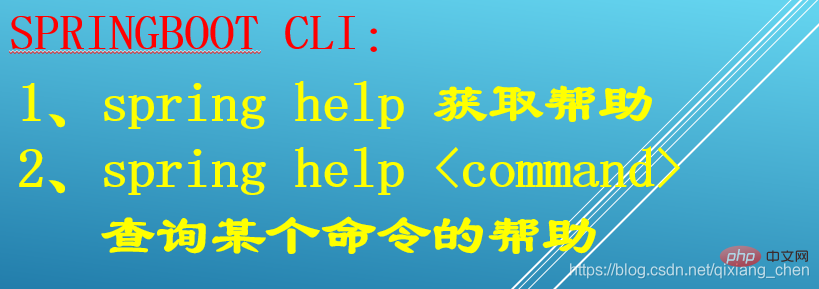
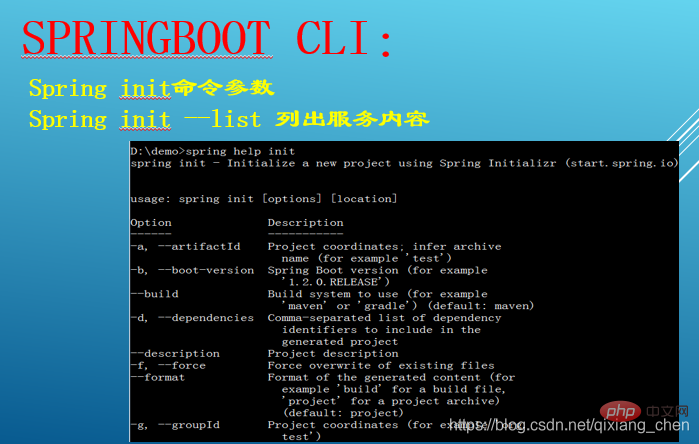
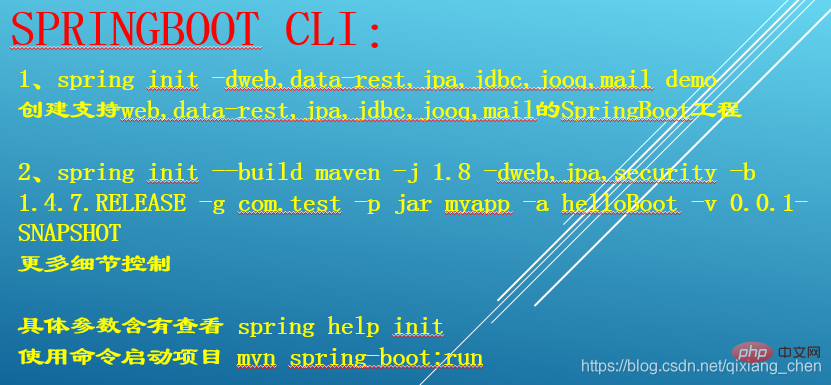
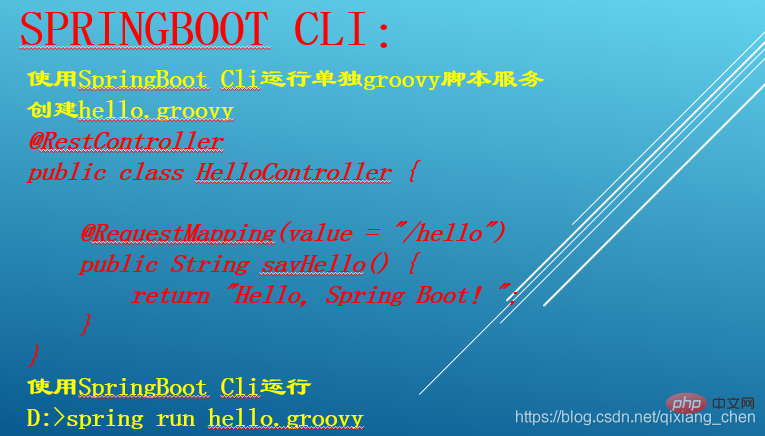
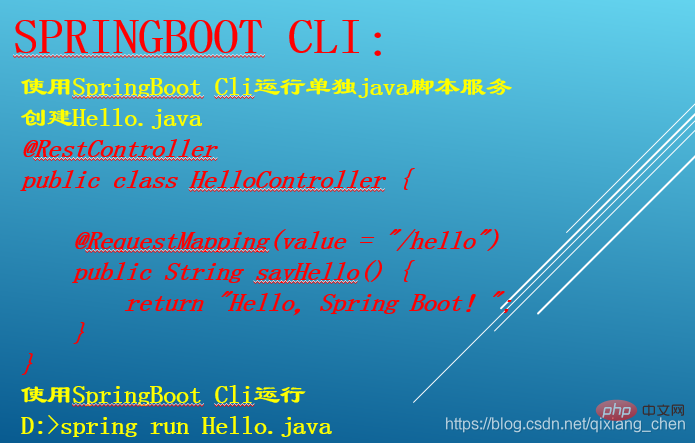
Spring Boot CLI(Command Line Interface)是一个命令行工具,您可以用它来快速构建Spring原型应用。通过Spring Boot CLI,我们可以通过编写Groovy脚本来快速的构建出Spring Boot应用,并通过命令行的方式将其运行起来。
 魔法映像企业网站管理系统下载
技术上面应用了三层结构,AJAX框架,URL重写等基础的开发。并用了动软的代码生成器及数据访问类,加进了一些自己用到的小功能,算是整理了一些自己的操作类。系统设计上面说不出用什么模式,大体设计是后台分两级分类,设置好一级之后,再设置二级并选择栏目类型,如内容,列表,上传文件,新窗口等。这样就可以生成无限多个二级分类,也就是网站栏目。对于扩展性来说,如果有新的需求可以直接加一个栏目类型并新加功能操作
-
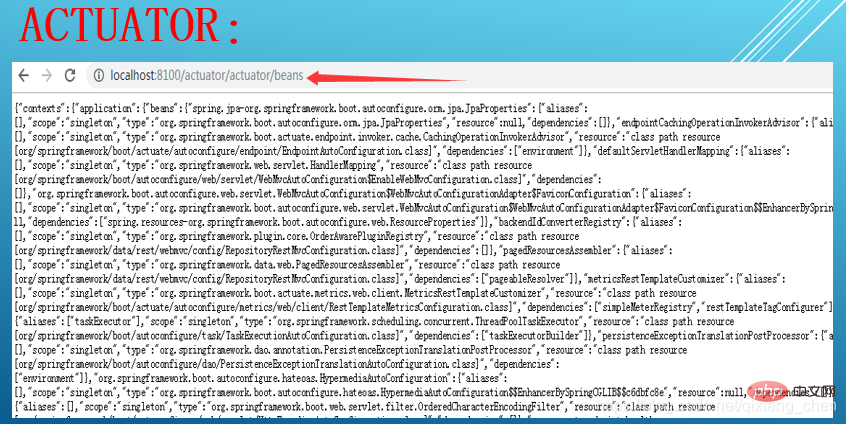
actuator
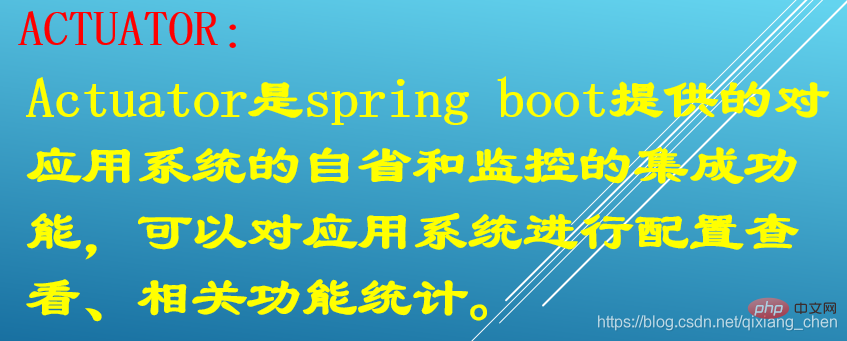
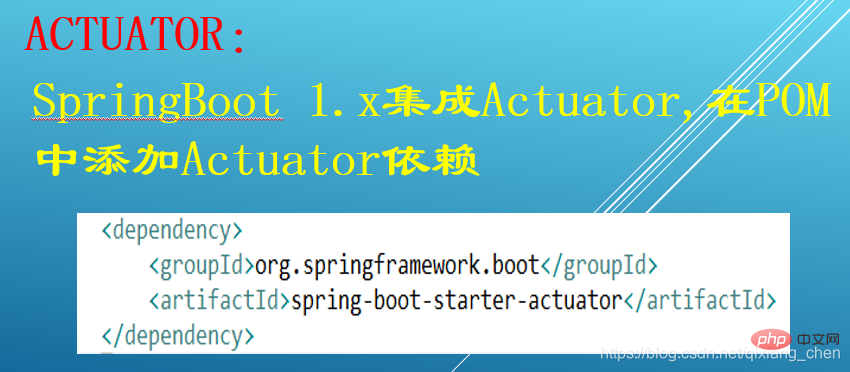
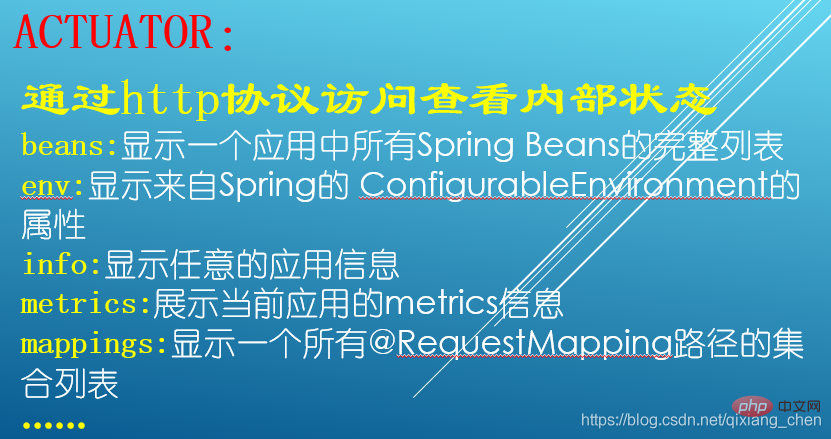
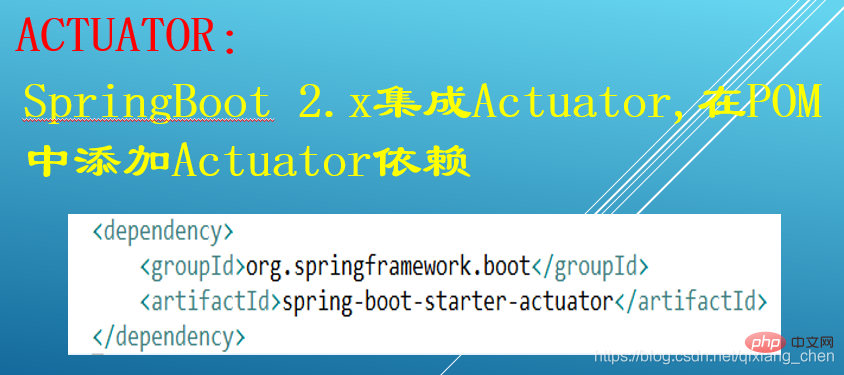
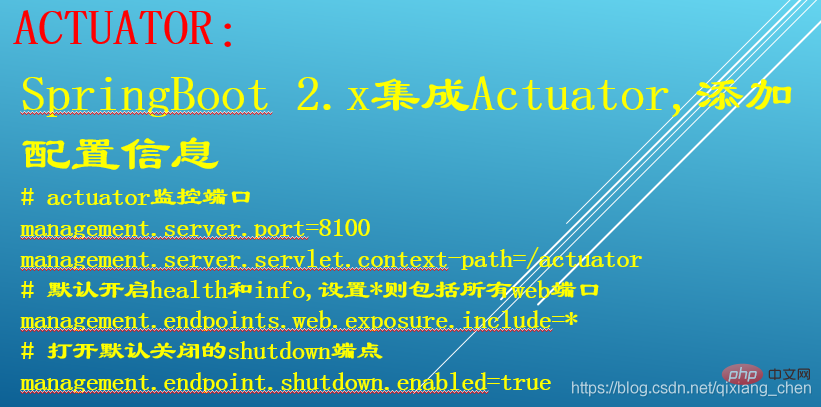
Actuator是Springboot提供的用来对应用系统进行自省和监控的功能模块,借助于Actuator开发者可以很方便地对应用系统某些监控指标进行查看、统计等。



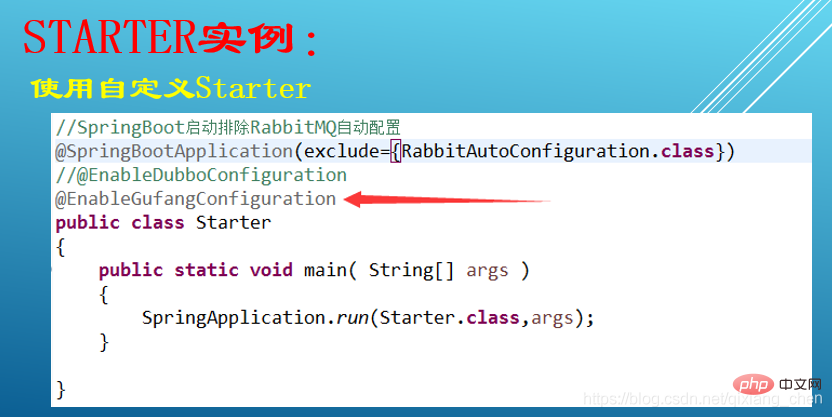
package com.gufang.annotation;

import java.lang.annotation.Documented;
import java.lang.annotation.ElementType;
import java.lang.annotation.Retention;
import java.lang.annotation.RetentionPolicy;
import java.lang.annotation.Target;

/**
 * Enable Gufang DevTool for spring boot application
 *
 * @author chen.qixiang
 * @version 1.0.0
 * @since 1.0.0
 */
@Target({ElementType.TYPE})
@Retention(RetentionPolicy.RUNTIME)
@Documented
public @interface EnableGufangConfiguration {

}

package com.gufang.boot;

import org.springframework.beans.factory.annotation.Autowired;
import org.springframework.boot.autoconfigure.condition.ConditionalOnBean;
import org.springframework.boot.autoconfigure.condition.ConditionalOnClass;
import org.springframework.boot.context.properties.EnableConfigurationProperties;
import org.springframework.context.annotation.Bean;
import org.springframework.context.annotation.Configuration;

import com.gufang.annotation.EnableGufangConfiguration;

@Configuration
@ConditionalOnBean(annotation = EnableGufangConfiguration.class)
@EnableConfigurationProperties(GufangProperties.class)
public class GufangConfiguration {
	  @Autowired
	  private GufangProperties properties;

	  @Bean
	  public Object createBean()
	  {
		  System.out.println("Gufang="+properties);
		  return new Object();
	  }
}
package com.gufang.boot.context.event;
import org.springframework.boot.autoconfigure.condition.ConditionalOnBean;
import org.springframework.boot.context.event.ApplicationEnvironmentPreparedEvent;
import org.springframework.context.ApplicationListener;

import com.gufang.annotation.EnableGufangConfiguration;
public class GufangBannerApplicationListener implements
	ApplicationListener<ApplicationEnvironmentPreparedEvent>
{
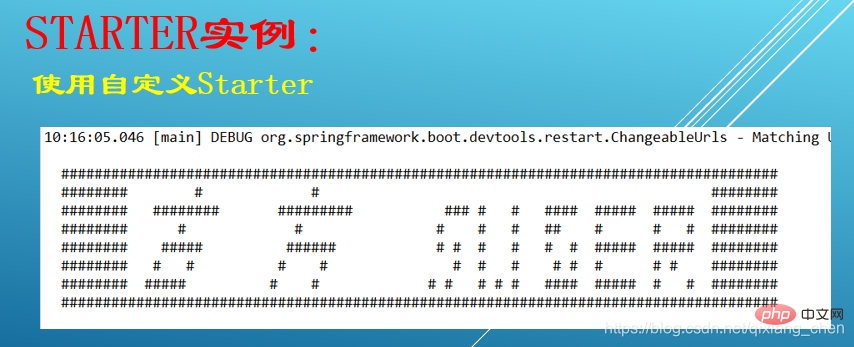
	public static String gufangLogo =
	        "  ###################################################################################### \n" +
            "  ########        #             #                                               ######## \n" +
            "  ########   ########       #########           ### #   #   ####  #####  #####  ######## \n" +
            "  ########      #             #                #    #   #   ##    #      #   #  ######## \n" +
            "  ########    #####          ######            # #  #   #   #  #  #####  #####  ######## \n" +
            "  ########   #   #          #    #               #  #   #    # #  #      # #    ######## \n" +
            "  ########  #####          #    #             # #   # # #   ####  #####  #   #  ######## \n" +
            "  ###################################################################################### \n" +
            "                                                             \n" +
            "\n";
	public static String LINE_SEPARATOR = System.getProperty("line.separator");
	@Override
	public void onApplicationEvent(ApplicationEnvironmentPreparedEvent event) {
		System.out.println(buildBannerText());
	}
	private String buildBannerText() {
		StringBuilder bannerTextBuilder = new StringBuilder();
		bannerTextBuilder.append(LINE_SEPARATOR).append(gufangLogo).append(" :: Gufang ::        (v1.0.0)")
		.append(LINE_SEPARATOR);
		return bannerTextBuilder.toString();
	}
}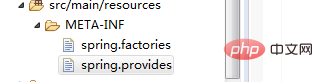
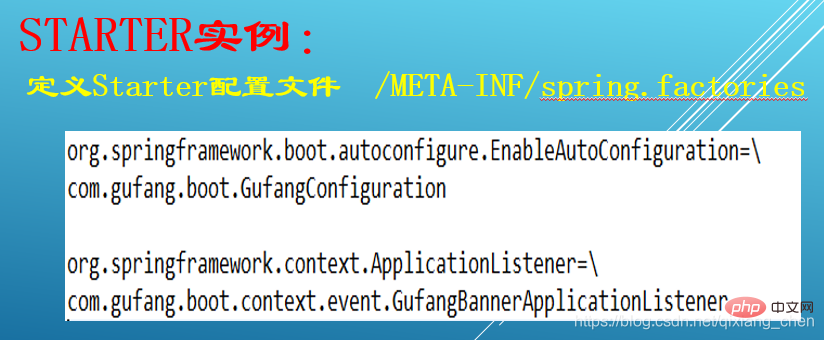
spring.factories
org.springframework.boot.autoconfigure.EnableAutoConfiguration=\
com.gufang.boot.GufangConfiguration

org.springframework.context.ApplicationListener=\
com.gufang.boot.context.event.GufangBannerApplicationListener
spring.provides
provides: gufang-spring-boot-starter
更多编程相关知识,请访问:编程视频!!




