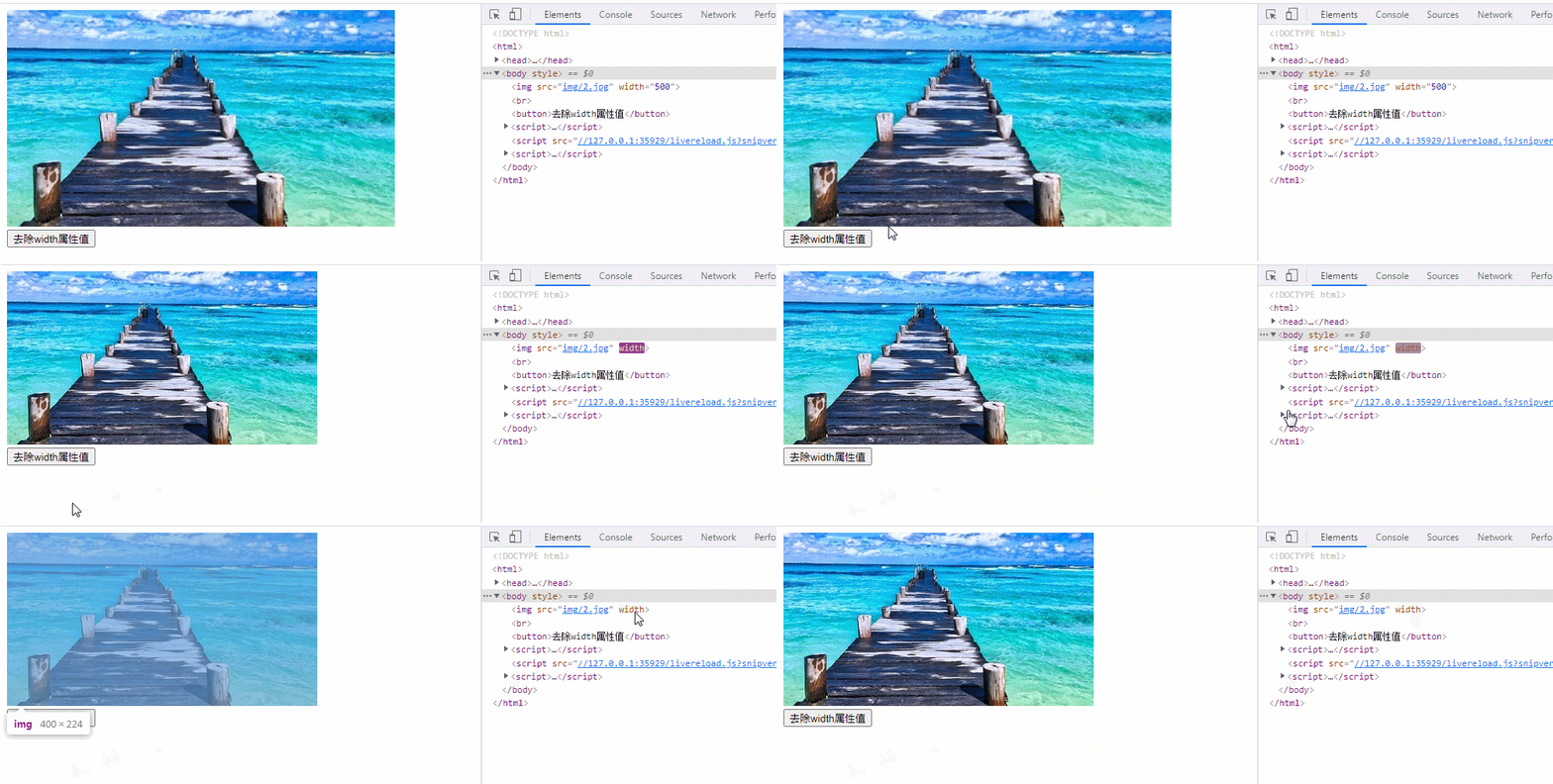
html中去掉属性值的方法:1、使用attr()方法设置指定属性值为空字符串,语法“$(元素).attr("属性名","")”;2、使用removeattr()方法移除指定的属性,语法“$(元素).removeattr("属性名")”。

本教程操作环境:windows7系统、jquery1.10.2&&HTML5版、Dell G3电脑。
html中去掉属性值
1、使用attr()方法设置指定属性值为空字符串
<!DOCTYPE html>
<html>
<head>
<script type="text/javascript" src="js/jquery-1.10.2.min.js"></script>
<script type="text/javascript">
$(document).ready(function(){
  $("button").click(function(){
    $("img").attr("width","");
  });
});
</script>
</head>
<body>
@@##@@
<br />
<button>去除width属性值</button>
</body>
</html>
立即学习“前端免费学习笔记(深入)”;
2、使用removeAttr()方法移除指定的属性
<!DOCTYPE html>
<html>
<head>
<script type="text/javascript" src="js/jquery-1.10.2.min.js"></script>
<script type="text/javascript">
$(document).ready(function(){
  $("button").click(function(){
    $("img").removeAttr("width");
  });
});
</script>
</head>
<body>
@@##@@
<br />
<button>去除width属性</button>
</body>
</html>