



为了提升用户体验并防止数据或进度丢失,Android应用程序开发者必须避免意外退出。他们可以通过加入“再次按返回退出”功能来实现这一点,该功能要求用户在特定时间内连续按两次返回按钮才能退出应用程序。这种实现显著提升了用户参与度和满意度,确保他们不会意外丢失任何重要信息
This guide examines the practical steps to add "Press Back Again to Exit" capability in Android. It presents a systematic guide that will aid you with simple directives on how to integrate this functionality into your Android applications effortlessly.
在Android中的"按两次返回键退出"功能
在Android应用程序中,“再次按下返回键退出”功能要求用户在特定时间间隔内按两次返回键才能退出应用程序。它被设计为一种保护机制,防止意外关闭应用程序,并为用户在退出应用程序之前提供确认机制。开发者可以通过将此功能集成到他们的设计中,提供更流畅和用户友好的体验,从而增强他们的应用程序。这减少了由于过早退出应用程序而丢失重要数据或进度的情况
方法
There are numerous methods that can be used to incorporate the "Press Back Again to Exit" feature in an Android application. Here are a few common approaches in Java:
Using a Timer
Handling onBackPressed()
Using a Boolean Flag
使用计时器
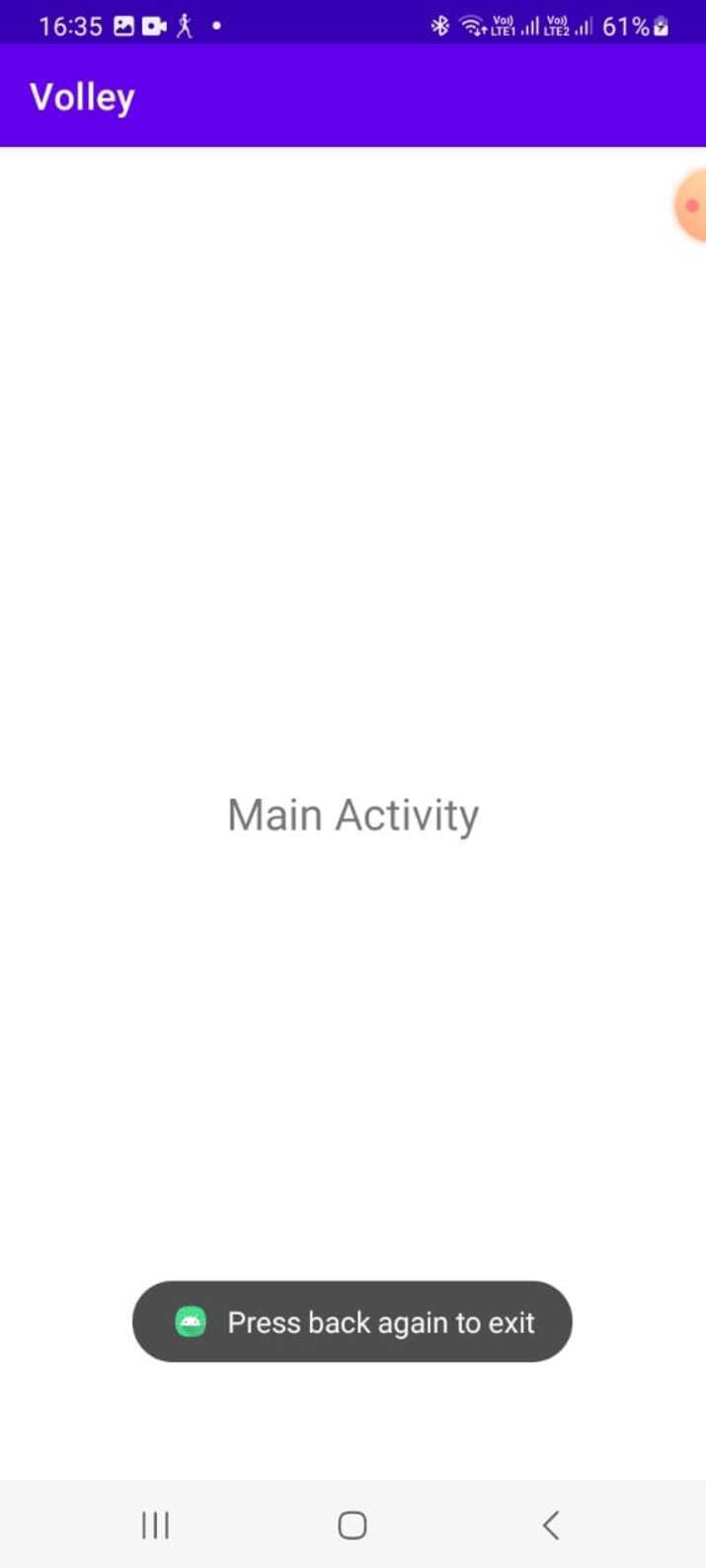
为了启用双击返回退出应用的选项,可以实现一个计时器系统。在按下返回按钮一次后,计时器开始计时。如果在特定时间范围内再次按下返回按钮,应用将退出。然而,如果用户在该时间范围内没有采取任何操作,计时器将重新启动
算法
Initialize a timer variable.
When the back button is pressed once:
开始计时器
When the back button is pressed again:
If the timer is within the specified duration:
Exit the app.
如果计时器已经超过了指定的持续时间:
Reset the timer.
Example
的中文翻译为:示例
import androidx.appcompat.app.AppCompatActivity;

import android.os.Handler;
import android.os.Looper;
import android.widget.Toast;

public class MainActivity extends AppCompatActivity {
   private boolean doubleBackPressed = false;
   private static final int BACK_PRESS_INTERVAL = 2000; // 2 seconds
   private Handler handler = new Handler(Looper.getMainLooper());
   private Runnable resetBackPressedRunnable = new Runnable() {
      @Override
      public void run() {
         doubleBackPressed = false;
      }
   };

   @Override
   public void onBackPressed() {
      if (doubleBackPressed) {
         super.onBackPressed(); // Exit the app
      } else {
         doubleBackPressed = true;
         Toast.makeText(this, "Press back again to exit",
Toast.LENGTH_SHORT).show();

         handler.postDelayed(resetBackPressedRunnable,
BACK_PRESS_INTERVAL);
      }
   }
}
Output
Handling onBackPressed()
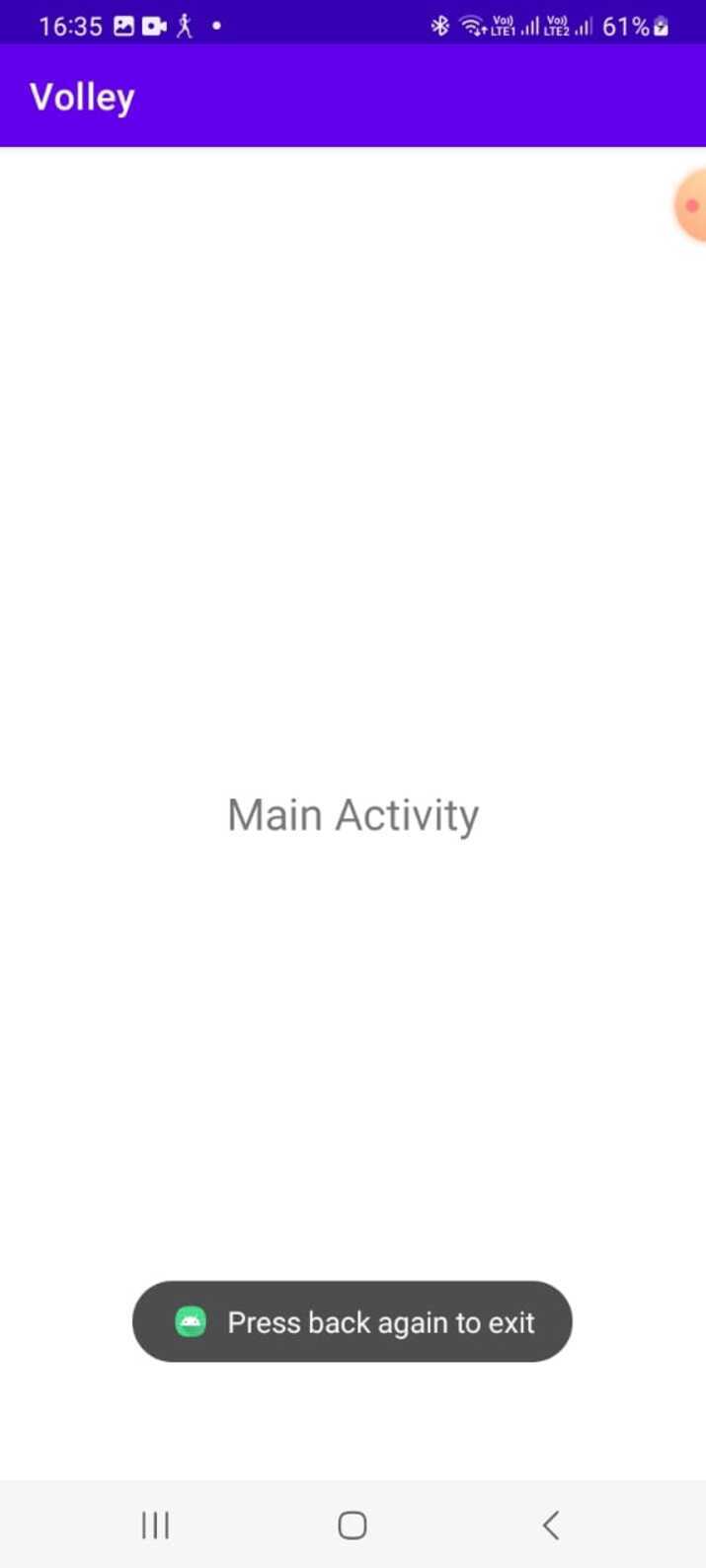
The onBackPressed() method in an activity can keep track of back button presses. Upon the first press, a message is displayed while incrementing a counter. If there's another press within a de-signated time frame, the app exits. Otherwise, the counter resets.
算法
Maintain a counter variable to track the number of back button presses.
When the back button is pressed once:
Increment the counter.
显示一条消息,指示用户需要再次按下返回键才能退出
When the back button is pressed again:
If the counter is 2 (indicating the second press):
Exit the app.
如果计数器为1,但第二次按下按钮没有在指定的持续时间内发生:
重置计数器。
Example
的中文翻译为:示例
public class MainActivity extends AppCompatActivity {
   private int backPressCounter = 0;
   private static final int REQUIRED_BACK_PRESS_COUNT = 2;
   private static final int BACK_PRESS_INTERVAL = 2000; // 2 seconds

   @Override
   public void onBackPressed() {
      backPressCounter++;

      if (backPressCounter == REQUIRED_BACK_PRESS_COUNT) {
         super.onBackPressed(); // Exit the app
      } else {
         Toast.makeText(this, "Press back again to exit", Toast.LENGTH_SHORT).show();

         new Handler().postDelayed(new Runnable() {
            @Override
            public void run() {
               backPressCounter = 0;
            }
         }, BACK_PRESS_INTERVAL);
      }
   }
}
Output
Using a Boolean Flag
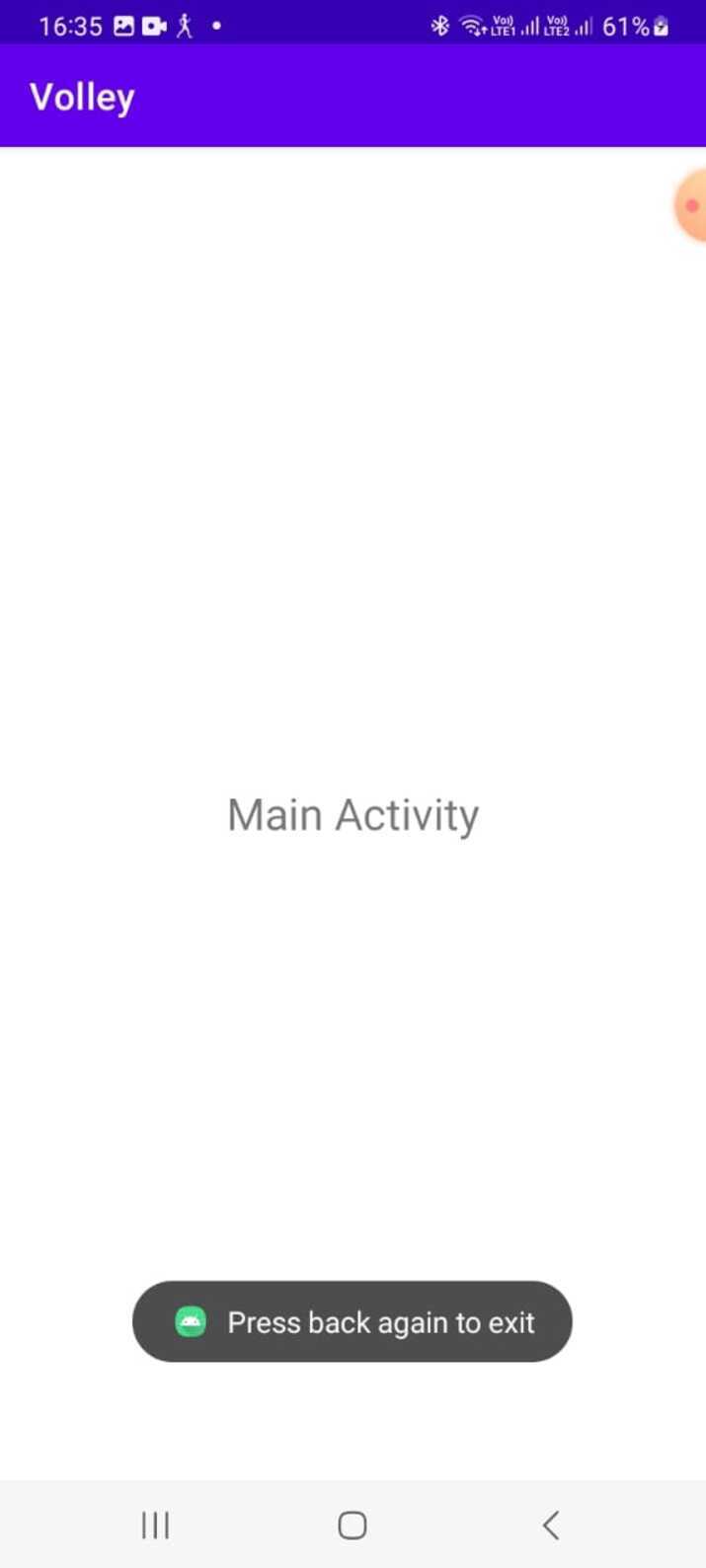
To implement this method, a boolean flag is created to monitor the back button press. On the first press of the back button, the flag becomes true and an alert is displayed. If pressed again within a designated time limit while still being true, it will exit the app. However, if a second press does not occur within that timeframe, then reset the flag.
算法
声明一个布尔标志变量
When the back button is pressed once:
Set the flag to true.
显示一条消息,指示用户需要再次按下返回键才能退出
When the back button is pressed again:
If the flag is true:
Exit the app.
If the flag is false or the second press doesn't occur within the specified duration:
重置标志
Example
的中文翻译为:示例
public class MainActivity extends AppCompatActivity {
   private boolean backPressedOnce = false;
   private static final int BACK_PRESS_INTERVAL = 2000; // 2 seconds

   @Override
   public void onBackPressed() {
      if (backPressedOnce) {
         super.onBackPressed(); // Exit the app
      } else {
         backPressedOnce = true;
         Toast.makeText(this, "Press back again to exit", Toast.LENGTH_SHORT).show();

         new Handler().postDelayed(new Runnable() {
            @Override
            public void run() {
               backPressedOnce = false;
            }
         }, BACK_PRESS_INTERVAL);
      }
   }
}
Output

结论
在本教程中,在Android应用程序中实现“再次按返回键退出”功能可以为用户提供防止意外关闭应用程序的保护。通过使用计时器、处理onBackPressed()或利用布尔标志等方法,开发人员可以通过要求用户确认退出应用程序的意图来提高用户体验。这些方法确保用户不会因为意外按下返回按钮而丢失他们的进度或数据,从而提高整体用户满意度和可用性。




