

更多>
最新下载


24小时阅读排行榜
- 1 c# 如何自定义一个 control
- 2 javascript如何理解事件循环_宏任务和微任务有何区别【教程】
- 3 php实时输出模板引擎兼容吗_php实时输出模板适配【步骤】
- 4 Go反射中Elem的作用 Golang反射指针与切片解析
- 5 如何在Golang中实现微服务监控_Golang微服务监控方法汇总
- 6 is null和is not null如何使用_mysql空值语法解析
- 7 mysql并发操作中如何设计合理索引_mysql优化实践
- 8 C++ 怎么把float转string C++ stringstream精度控制教程【格式】
- 9 php数组怎么筛除零值和负值_php数组零负剔除筛选【步骤】
- 10 如何在Golang中实现Web请求日志记录_Golang Web日志收集方法
- 11 Golang如何打开文件进行读写_Golang文件打开与管理技巧
- 12 Python 可维护性设计原则
- 13 mysql数据库中的视图性能优化技巧
- 14 C++ string find怎么用 C++查找子串位置与npos判断【库函数】
- 15 EF Core Savepoints怎么用 EF Core事务保存点教程
更多>
最新教程

-
- Node.js 教程
- 16171 2025-08-28
-
- CSS3 教程
- 1546674 2025-08-27
-
- Rust 教程
- 23302 2025-08-27
-
- Vue 教程
- 25769 2025-08-22
-
- PostgreSQL 教程
- 22245 2025-08-21
-
- Git 教程
- 9229 2025-08-21
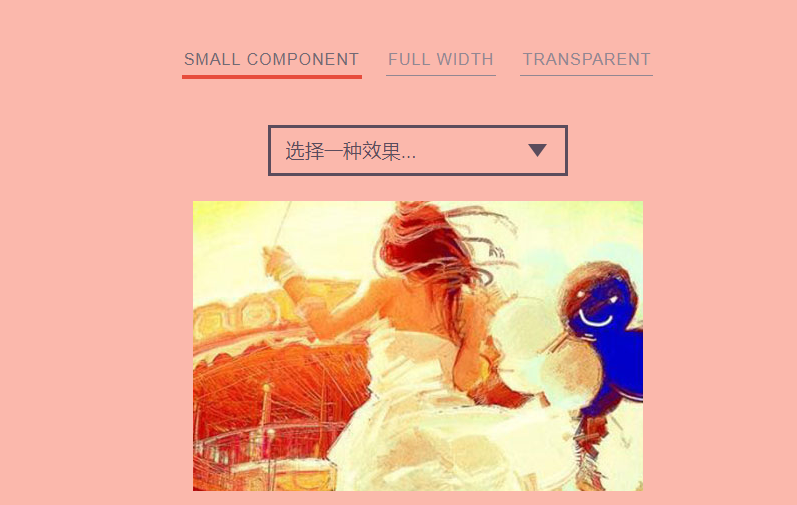
CSS3+h5很多种效果图片幻灯片切换特效
<link rel="stylesheet" type="text/css" href="css/demo.css" />
<link rel="stylesheet" type="text/css" href="css/component.css" />
<link rel="stylesheet" type="text/css" href="css/fxsmall.css" />
<script src="js/modernizr.custom.js"></script>
</head>
<body><script src="/demos/googlegg.js"></script>
<div class="container">
<header class="codrops-header">
<nav class="codrops-demos">
<a class="current-demo" href="index.html">Small Component</a>
<a href="index2.html">Full Width</a>
<a href="index3.html">Transparent</a>
</nav>
</header>
<section>
<div class="custom-select">
<select id="fxselect" name="fxselect">
<option value="-1" selected>选择一种效果...</option>
<option value="fxCorner">Corner scale</option>
<option value="fxVScale">Vertical scale</option>
<option value="fxFall">Fall</option>
<option value="fxFPulse">Forward pulse</option>
<option value="fxRPulse">Rotate pulse</option>
<option value="fxHearbeat">Hearbeat</option>
<option value="fxCoverflow">Coverflow</option>
<option value="fxRotateSoftly">Rotate me softly</option>
<option value="fxDeal">Deal 'em</option>
<option value="fxFerris">Ferris wheel</option>
<option value="fxShinkansen">Shinkansen</option>
<option value="fxSnake">Snake</option>
<option value="fxShuffle">Shuffle</option>
<option value="fxPhotoBrowse">Photo Browse</option>
<option value="fxSlideBehind">Slide Behind</option>
<option value="fxVacuum">Vacuum</option>
<option


一款基于CSS3+h5很多种效果图片幻灯片切换特效,html5+css3网页焦点图轮播代码。
<meta name="viewport" content="width=device-width, initial-scale=1">
<link rel="stylesheet" type="text/css" href="css/normalize.css" /><link rel="stylesheet" type="text/css" href="css/demo.css" />
<link rel="stylesheet" type="text/css" href="css/component.css" />
<link rel="stylesheet" type="text/css" href="css/fxsmall.css" />
<script src="js/modernizr.custom.js"></script>
</head>
<body><script src="/demos/googlegg.js"></script>
<div class="container">
<header class="codrops-header">
<nav class="codrops-demos">
<a class="current-demo" href="index.html">Small Component</a>
<a href="index2.html">Full Width</a>
<a href="index3.html">Transparent</a>
</nav>
</header>
<section>
<div class="custom-select">
<select id="fxselect" name="fxselect">
<option value="-1" selected>选择一种效果...</option>
<option value="fxCorner">Corner scale</option>
<option value="fxVScale">Vertical scale</option>
<option value="fxFall">Fall</option>
<option value="fxFPulse">Forward pulse</option>
<option value="fxRPulse">Rotate pulse</option>
<option value="fxHearbeat">Hearbeat</option>
<option value="fxCoverflow">Coverflow</option>
<option value="fxRotateSoftly">Rotate me softly</option>
<option value="fxDeal">Deal 'em</option>
<option value="fxFerris">Ferris wheel</option>
<option value="fxShinkansen">Shinkansen</option>
<option value="fxSnake">Snake</option>
<option value="fxShuffle">Shuffle</option>
<option value="fxPhotoBrowse">Photo Browse</option>
<option value="fxSlideBehind">Slide Behind</option>
<option value="fxVacuum">Vacuum</option>
<option
本站所有资源都是由网友投搞发布,或转载各大下载站,请自行检测软件的完整性!本站所有资源仅供学习与参考,请勿用于商业用途,否则产生的一切后果将由您自己承担!如有侵权请联系我们删除下架,联系方式:admin@php.cn
相关推荐

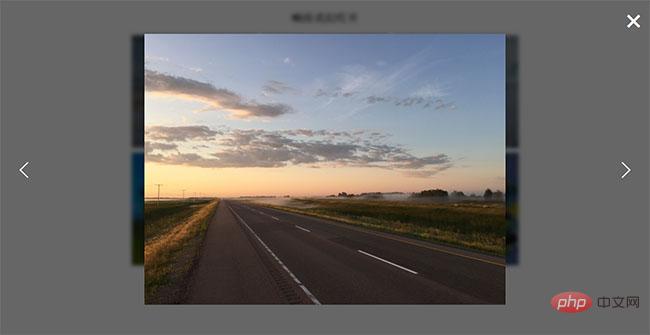
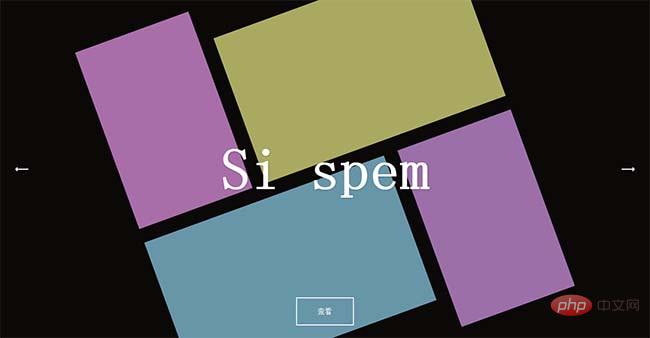


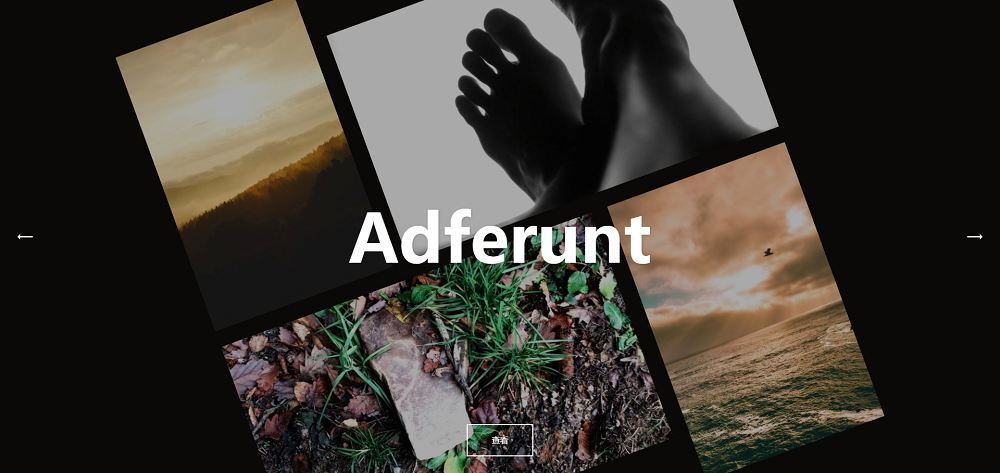

响应式博客网站图文幻灯片
这是一款响应式动画的图文切换幻灯片,基于 Swiper 插件制作,支持鼠标滚动切换,带有淡入淡出等动画效果。适用于博客类型网站幻灯片图文布局特效。
焦点幻灯
2019-06-26



热门下载




canvas音谱可视化mp3音乐播放器代码
html5 canvas通过AudioContext对获取audio标签播放的音域和音高,调用js绘制相应高度的矩形或线条。
播放器特效
2021-03-10






