



这篇文章主要为大家详解css常用操作导航栏方法的布局类,感兴趣的小伙伴们可以参考一下
一、垂直导航栏
ul{
    list-style-type: none;
    margin: 0px;
    padding: 0px;
}

a:link,a:visited{
    text-decoration: none;
    display: block;
    background-color: aqua;
    color: black;
    width: 50px;
    text-align: center;
}

a:active,a:hover{
    background-color: crimson;
}
导航栏
二、水平导航栏
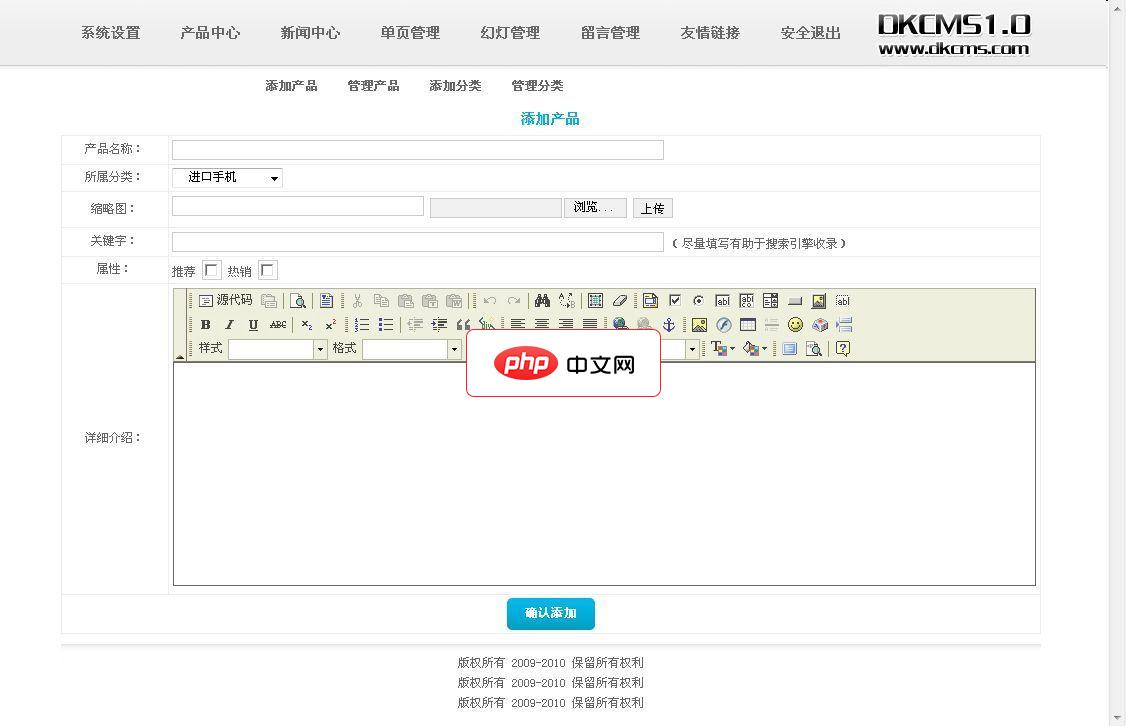
DK企业网站管理系统1.1
下载
后台路径网址+admin(请修改更安全)后台用户名密码admin产品定位:中小型企业,本系统简单实用,无冗余功能,无功能限制。后台功能:一、网站基本信息此功能允许您从后台设置网站的名称、联系人、电话、公司地址、版权、第三方统计代码等等常用信息。二、导航栏设置可以从后台调整导航栏显示项目,可以进行增加删除排序隐藏导航栏等操作三、幻灯设置可以从后台设置前台动画轮播图片,支持排序。四、单页功能用来设置公
ul{
    list-style-type: none;
    margin: 0px;
    padding: 0px;
    background-color: aqua;
    width: 250px;
    text-align: center;
}

a:link,a:visited{
    font-weight: bold;
    text-decoration: none;
    background-color: aqua;
    color: black;
    width: 50px;
    text-align: center;
}

a:active,a:hover{
    background-color: crimson;
}

li{
    display: inline;
    padding-left: 5px;
    padding-right: 5px;
} 




